Use of cookies
This website uses cookies and various web services to provide you with an optimal user experience. By using mandatory cookies, we ensure that all main functions of this website are available to you.
With your agreement, further features of our website will become available to you, such as searching for retail shops, product videos and sharing content with friends.
You can revoke your agreement at any time. Information on this and even more on the subject of cookies and the various web services can be found in our Privacy Policy.
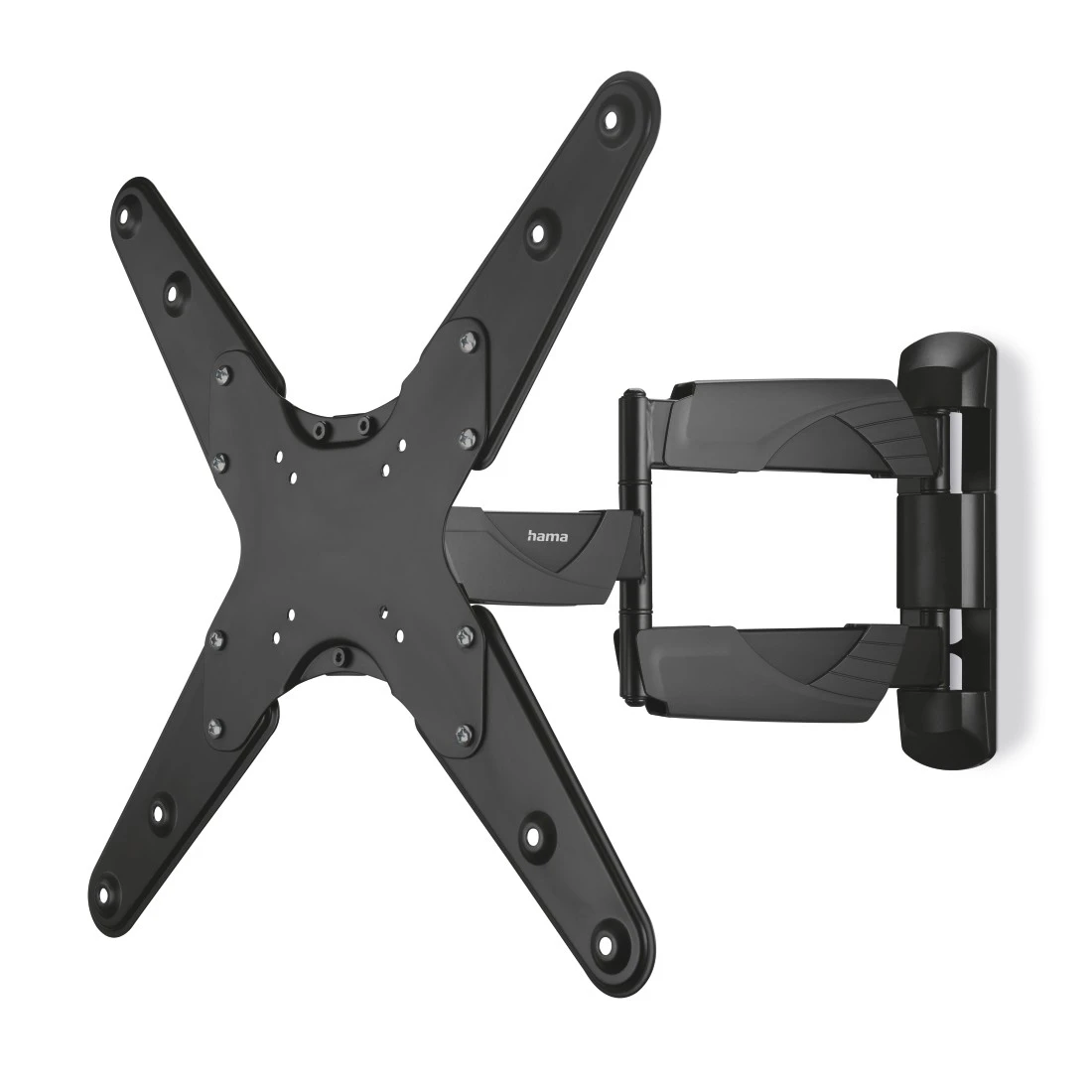



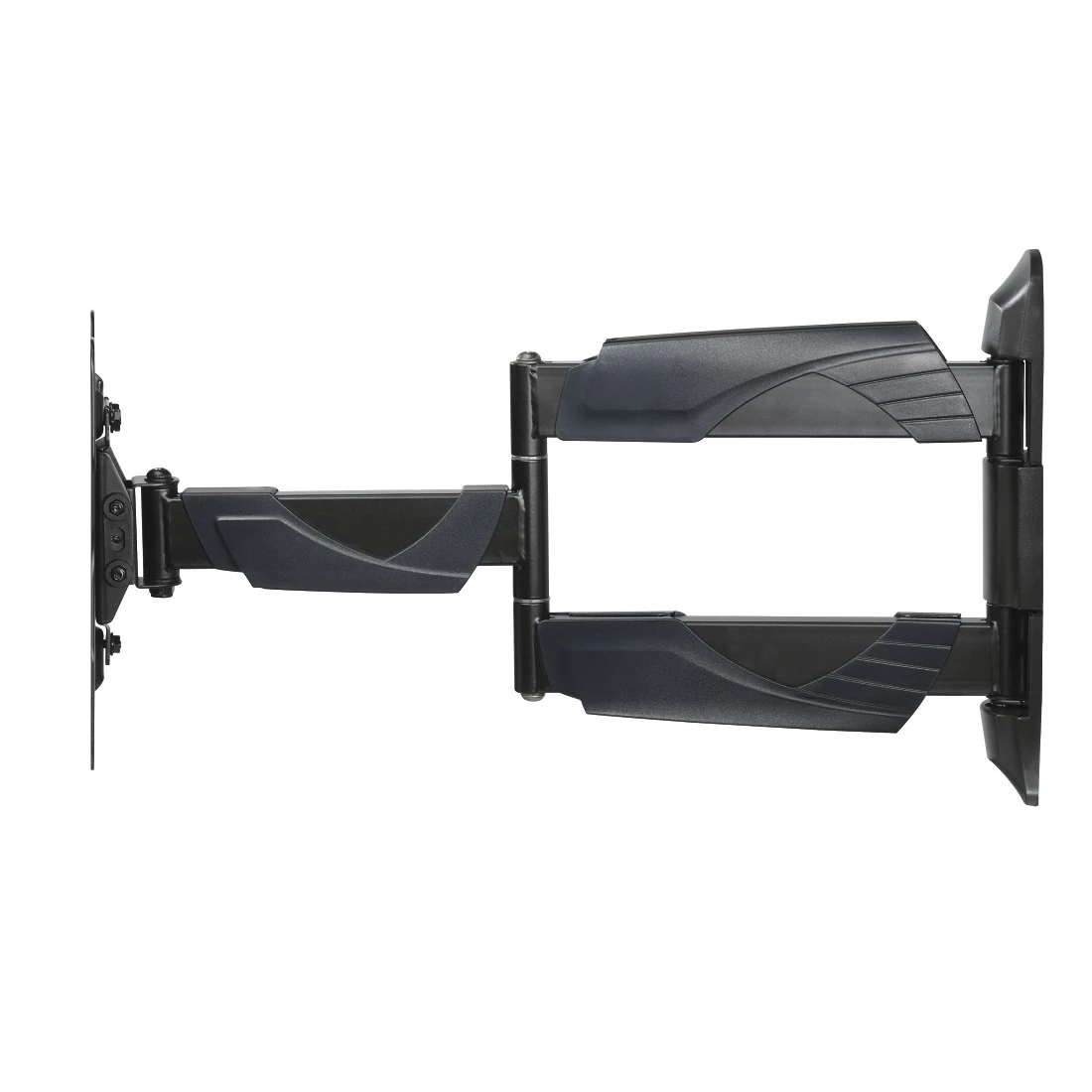
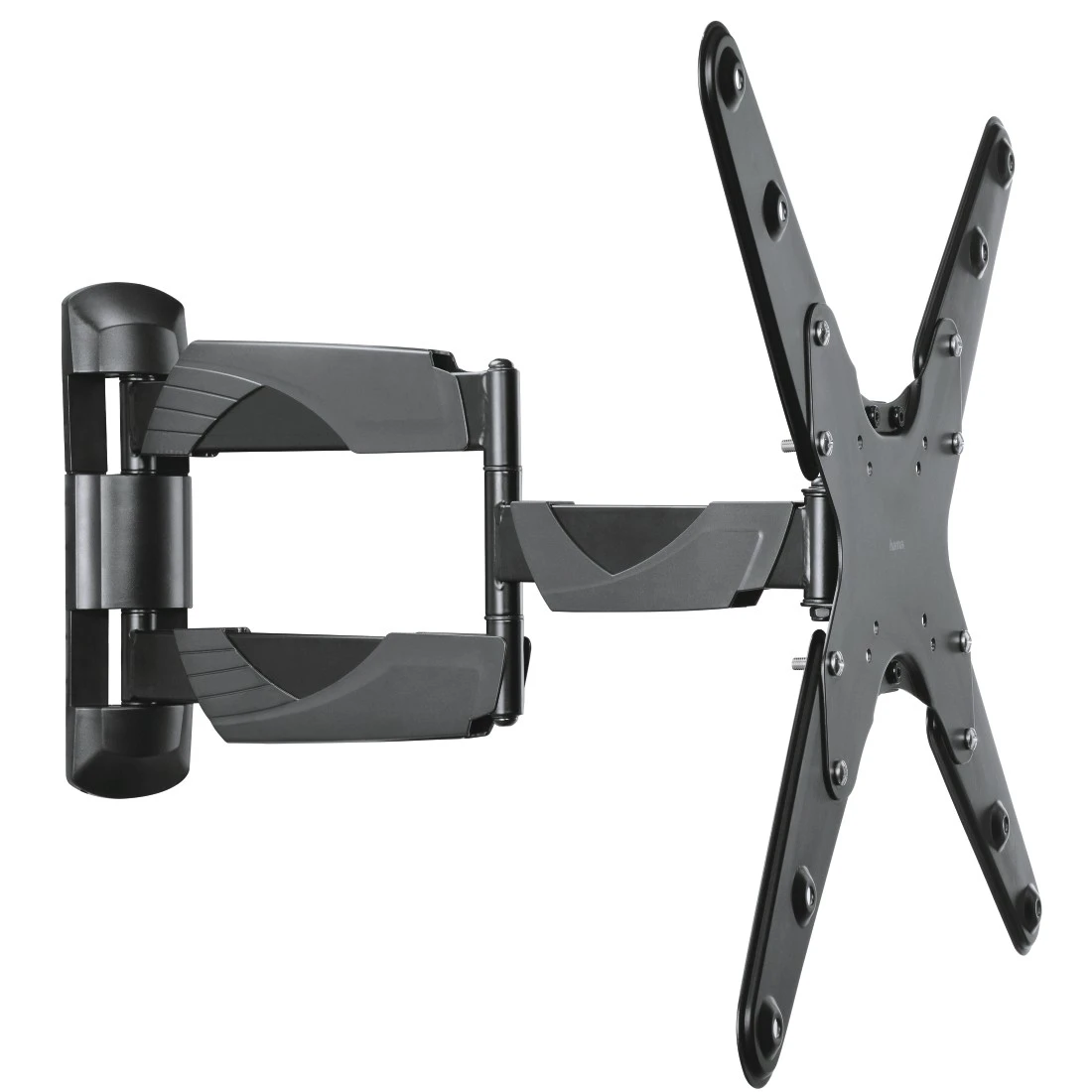

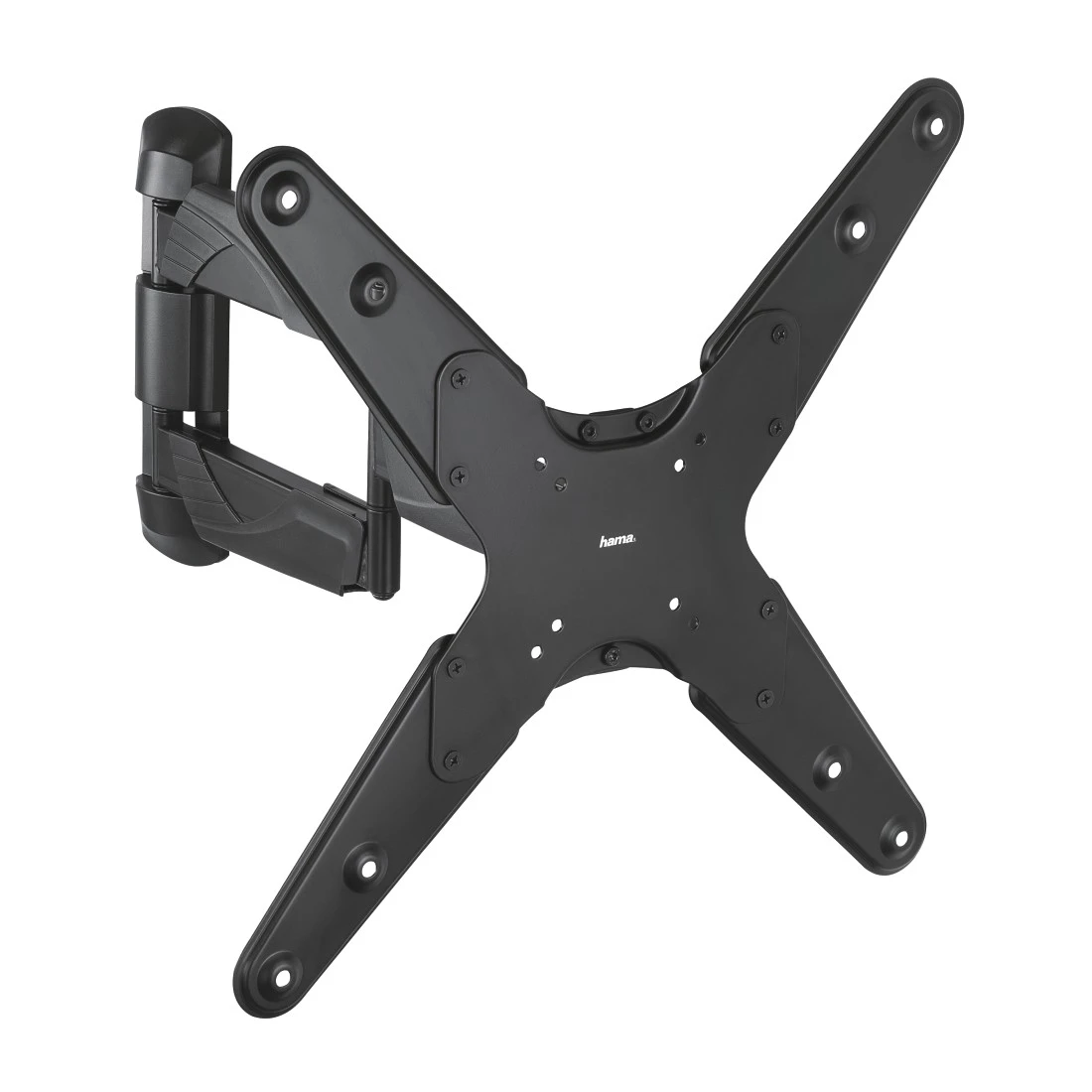

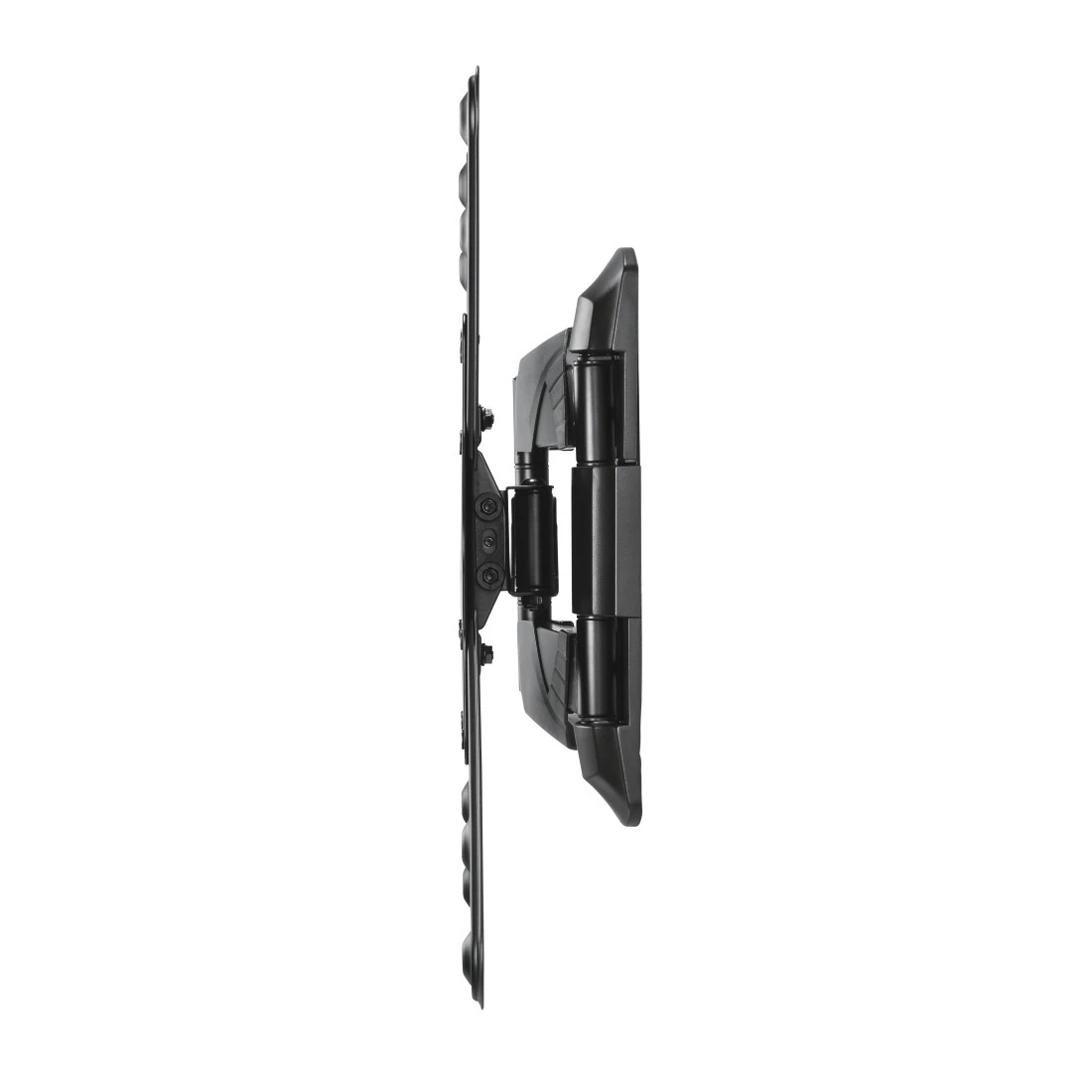
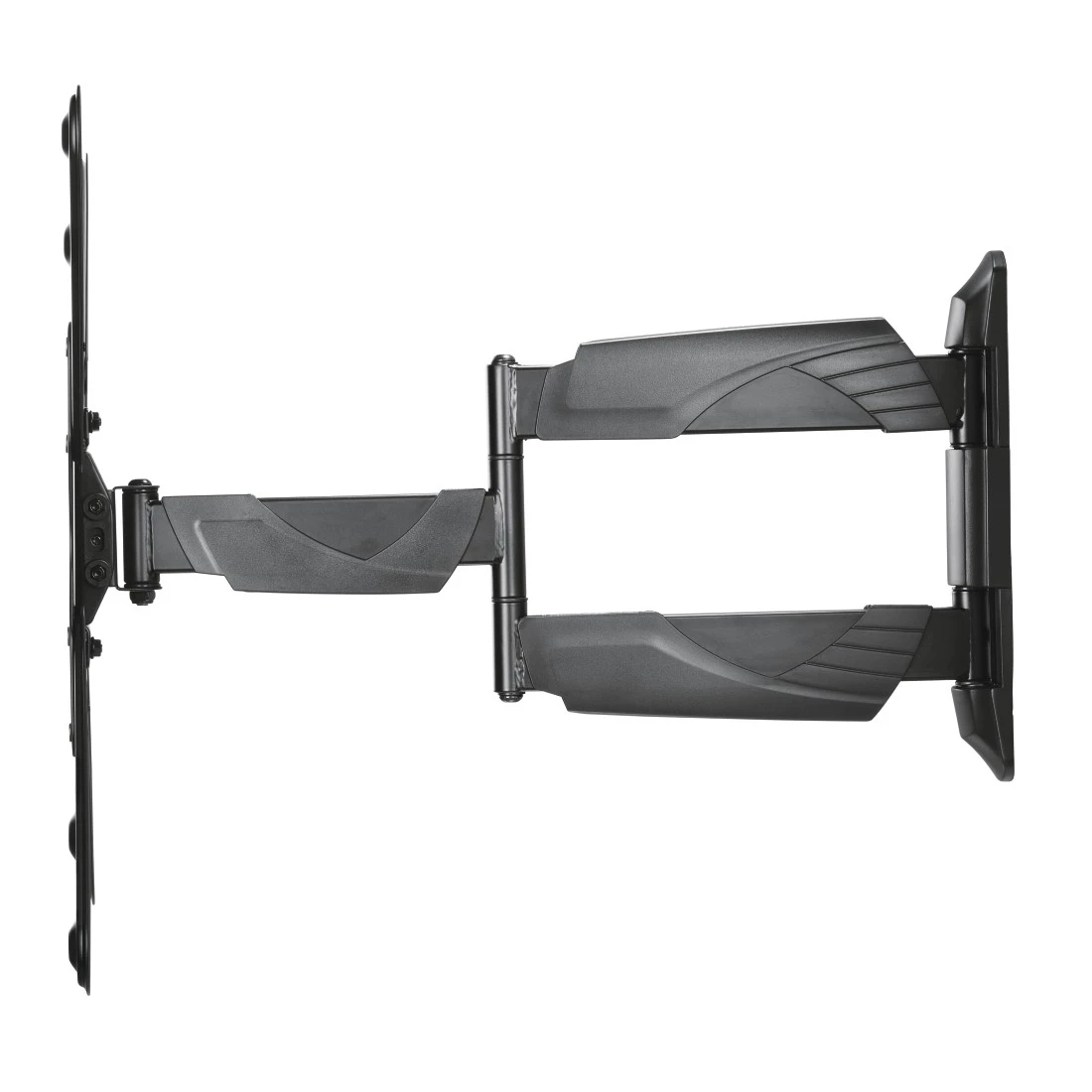

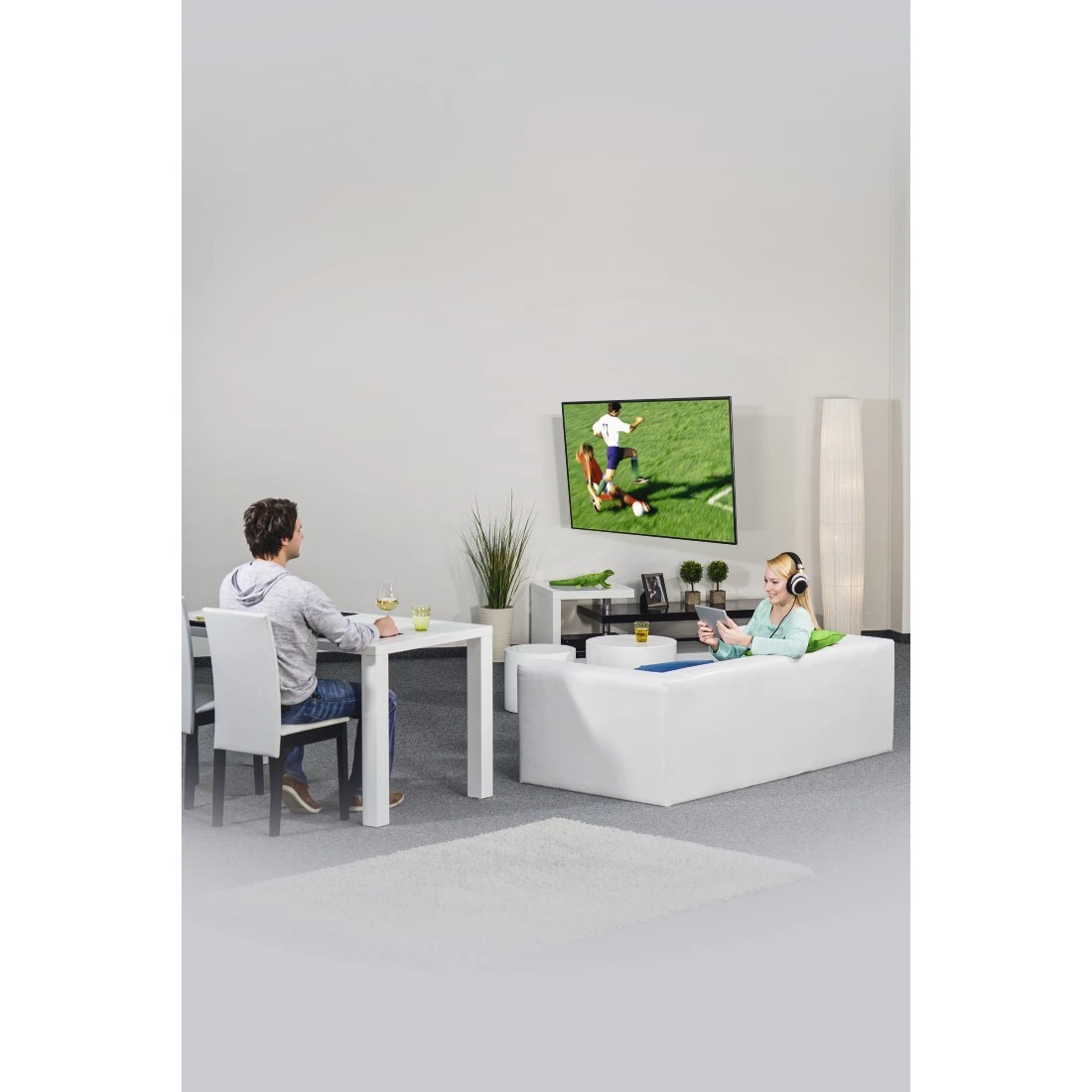


Hama TV Wall Bracket, Swivel, Tilt, Pull-out, 165 cm (65") up to 35 kg
-
Technical Specs
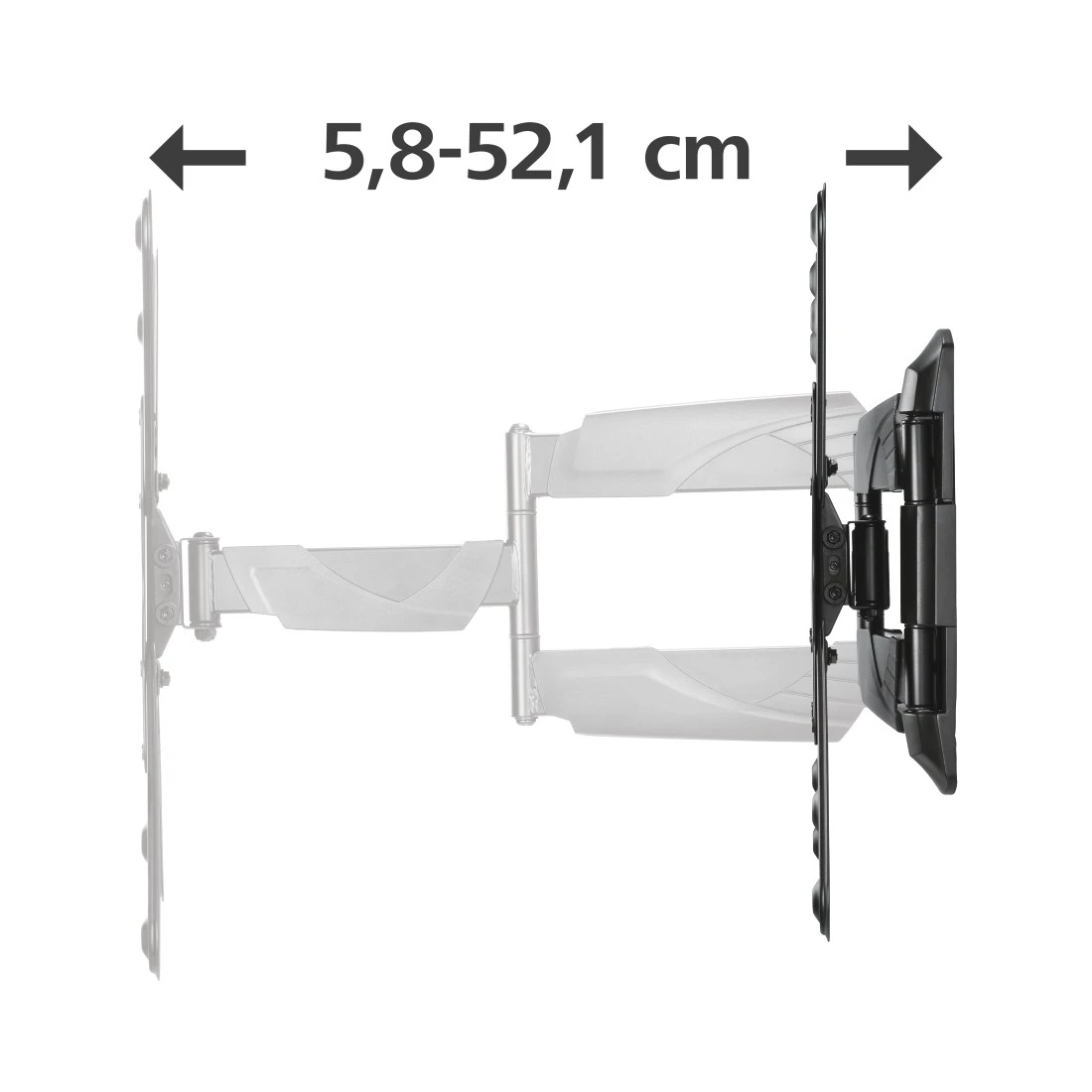
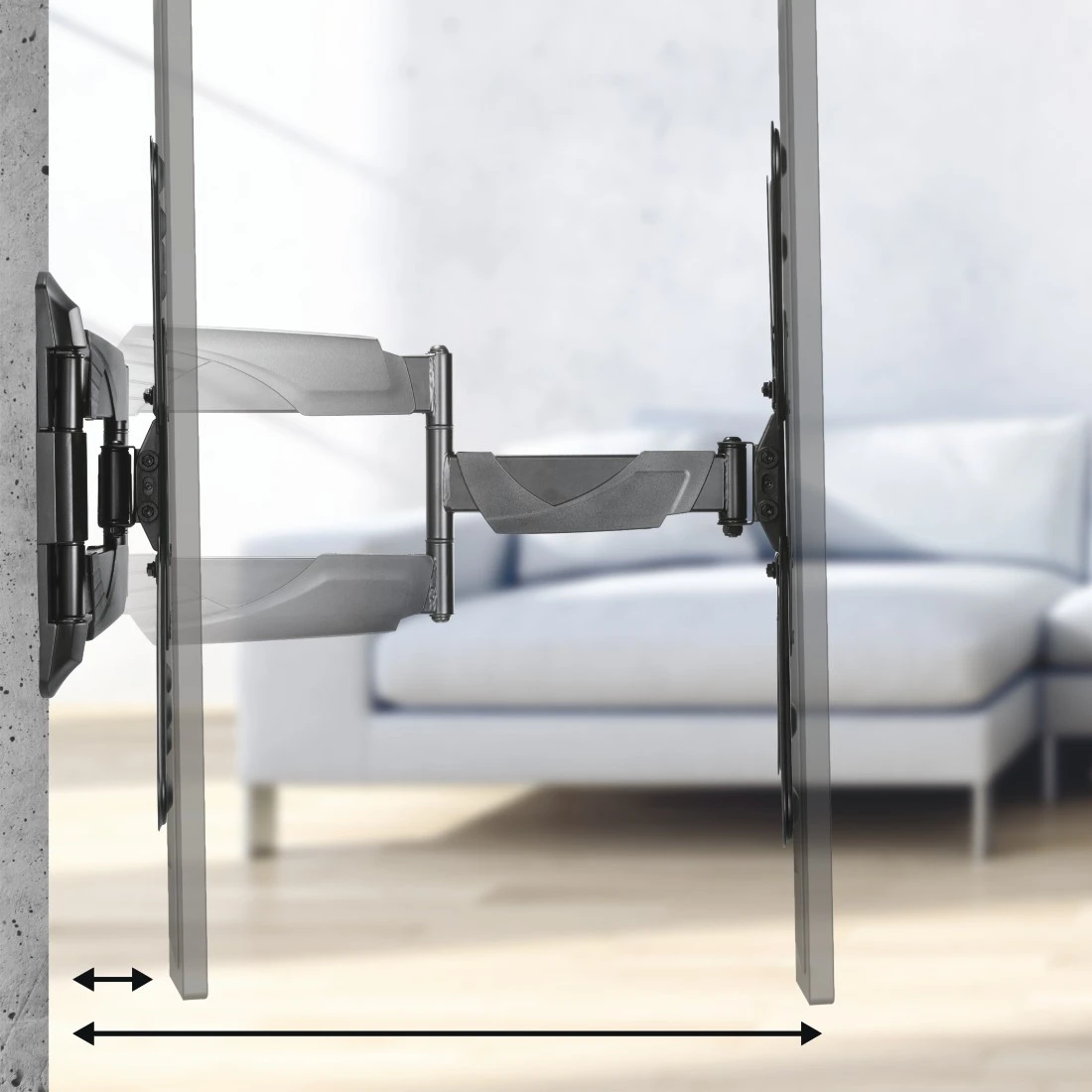
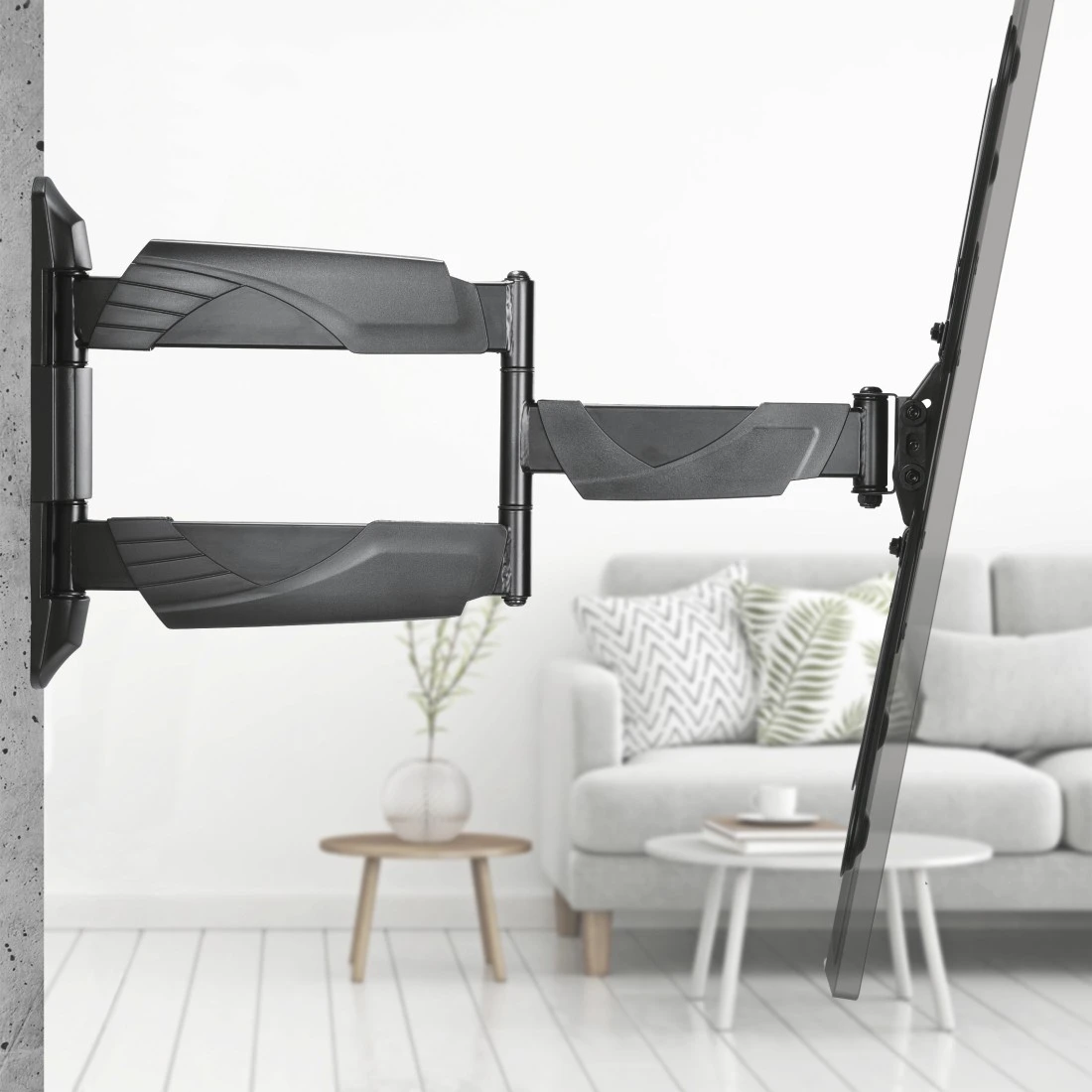
Design (Colour, Pattern, Motif, Series) Colour Black Shade of colour Black Physical Properties Additional Functions Cablemanager, Spirit level Hole Size Attachment Up to M8 Material Steel Plate Maximum Load Capacity 35 kg Model TV number of joints 3 Projection maximum 52.1 cm Projection minimum 5.8 cm Rotation 6 ° Tilt +/- 10 / 15 ° Size & Weight External Dimension (Height) 45 cm External Dimension (Width) 45 cm Mounting Plate (Length) 29.2 cm Mounting Plate (Width) 7.2 cm Screen Dimensions 81 cm (32"), 84 cm (33"), 86 cm (34"), 89 cm (35"), 91 cm (36"), 94 cm (37"), 97 cm (38"), 99 cm (39"), 102 cm (40"), 104 cm (41"), 107 cm (42"), 109 cm (43"), 112 cm (44"), 114 cm (45"), 117 cm (46"), 119 cm (47"), 122 cm (48"), 123 cm (49"), 127 cm (50"), 129 cm (51"), 132 cm (52"), 137 cm (54"), 140 cm (55"), 147 cm (58"), 152 cm (60"), 163 cm (64"), 165 cm (65") VESA (from-to) 75x75 - 400x400 VESA Standard 75 x 75, 100 x 100, 200 x 100, 200 x 200, 300 x 300, 400 x 400 Field of Application Field of Application Private Recommended Maximum Screen Size 165 cm (65") Recommended Minimum Screen Size 81 cm (32") Recommended Screen Size 81 - 165 cm (32"- 65") Suitable for TV Version Swivelling/Tilting -
More product information
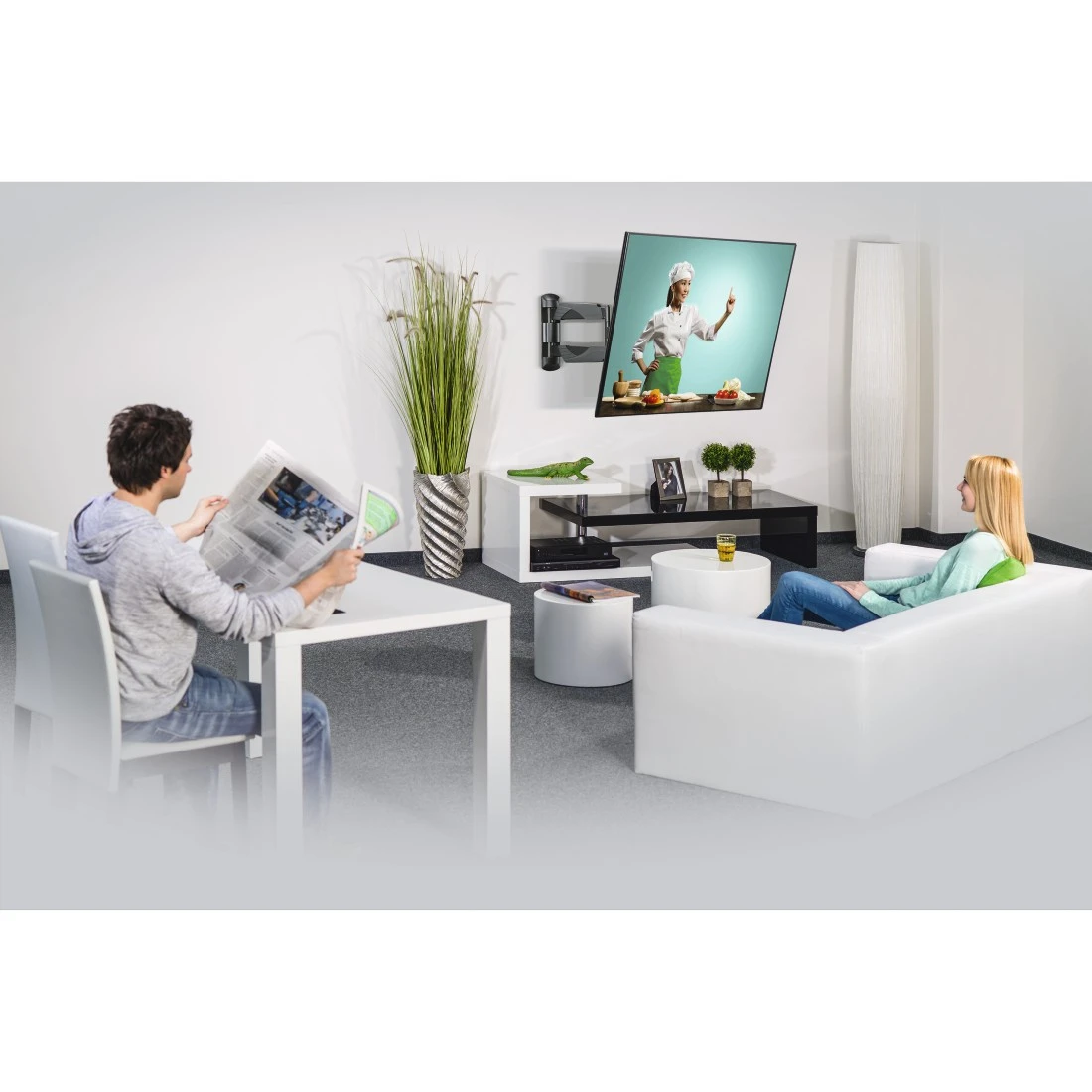
- Full flexibility in the home cinema: whether it be your favourite chair or the sofa corner, with this fully mobile wall bracket, film and series addicts will always be sitting in the VIP lounge. Ideal for flat-screen TVs with a screen diagonal of 81 to 165 cm (32" to 65")
- TV wall bracket especially suited for flat-screen televisions, allows optimal positioning of the flat-screen TV in any room, ideal for open-plan living rooms
- Supports all VESA standards up to 400 x 400
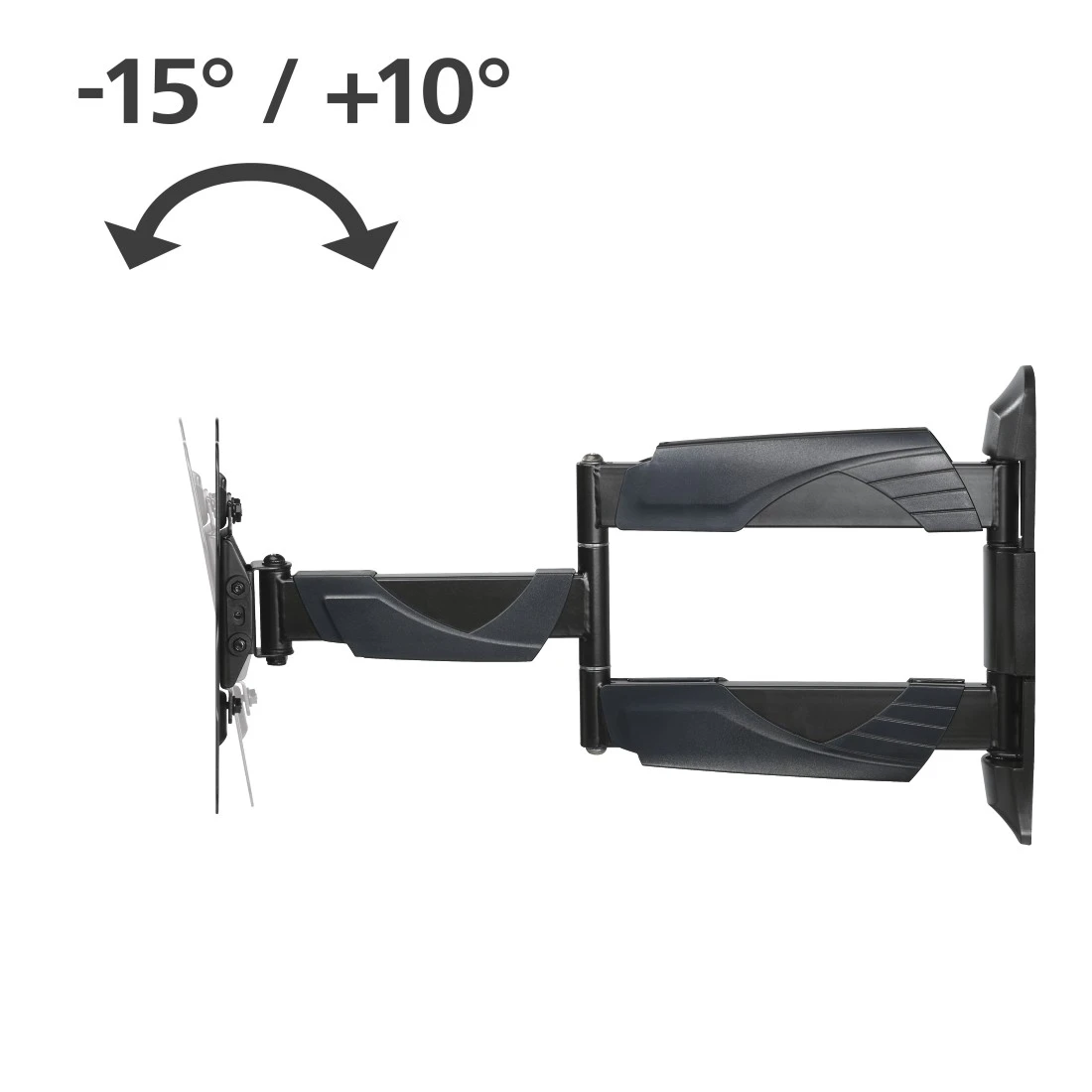
- Up to +10/-15° continuous tilt
- Swivel range on 3 hinges: up to 180°
-
What's in the Box
- 1 TV wall bracket
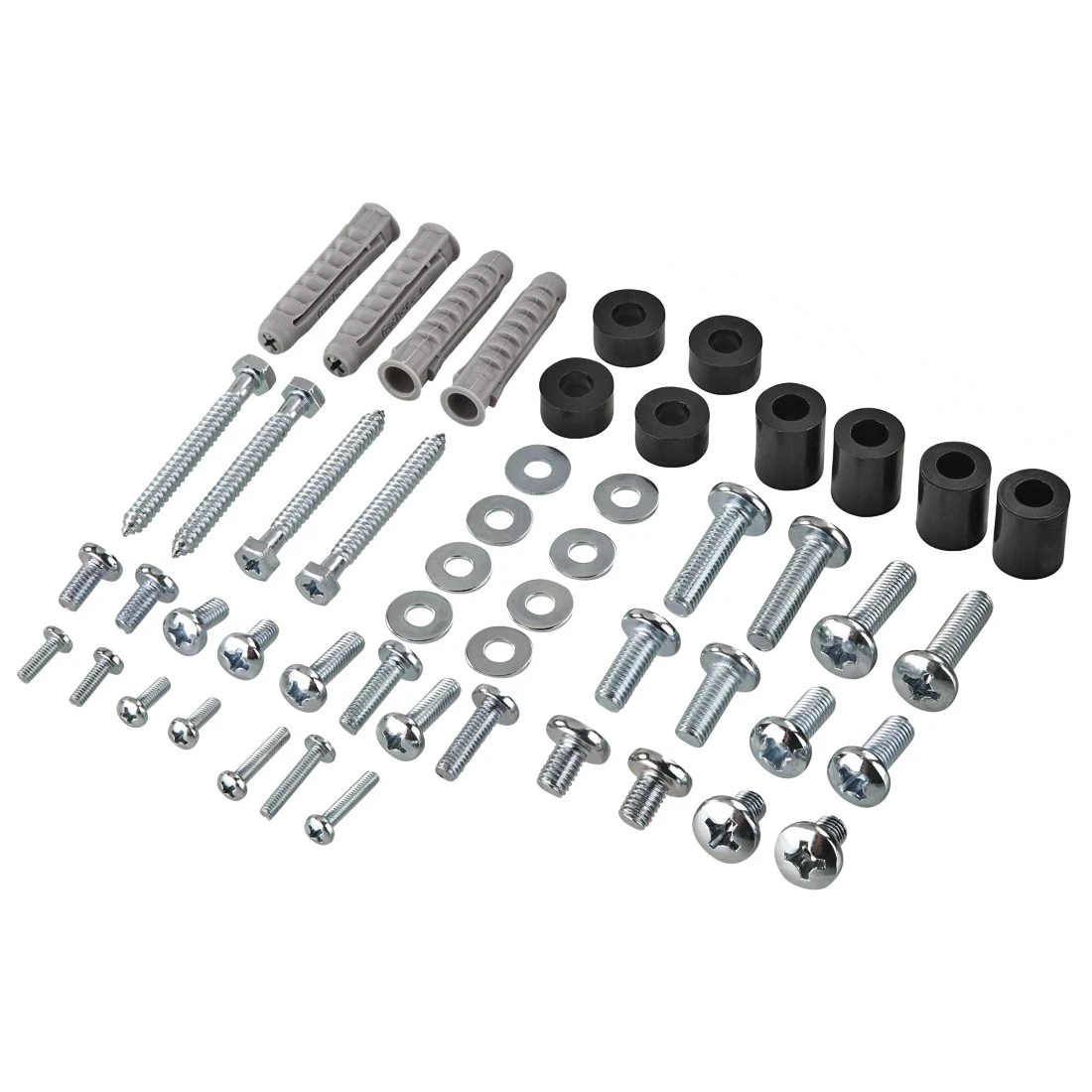
- Installation material incl. Fischer plugs
- 1 installation instructions
-
Note for Consumers
In addition to the various installation accessories delivered in the package, we also recommend the following tools: drill, pencil, screwdriver, power screwdriver, measuring tape, open-end spanner, spirit level.
To be able to use the full range of motion, route the cable to the fully extended TV wall bracket and ensure that there is sufficient room for the cable to move.
If you are using the wall bracket for TV sets with the VESA standard up to 200 x 200, you do not need to install the four additional arms. You only need these for VESA standards larger than 200 x 200
FAQs
-
Do I need a separate spirit level to install this?
The spirit level included is only intended as a rough guide. We recommend checking the correct alignment using a calibrated spirit level from a specialist store.
-
How do I adjust the tilt angle?
To adjust the tilt angle, open the fastening screws at the side, set the required tilt, and then secure the screws in place again.
-
How can I correct the position of the TV after installation?
To compensate any slightly skewed TV, loosen the screw connections on the longitudinal holes on the side nearest the wall. If you have enough play on the wall-side mounting element, move it into a horizontal position with the aid of an external spirit level. Then re-tighten the screw connections.
-
Can I also attach my curved TV to the wall bracket?
Yes, the spacers included allow even TVs with a curved back to be hung effortlessly