Use of cookies
This website uses cookies and various web services to provide you with an optimal user experience. By using mandatory cookies, we ensure that all main functions of this website are available to you.
With your agreement, further features of our website will become available to you, such as searching for retail shops, product videos and sharing content with friends.
You can revoke your agreement at any time. Information on this and even more on the subject of cookies and the various web services can be found in our Privacy Policy.
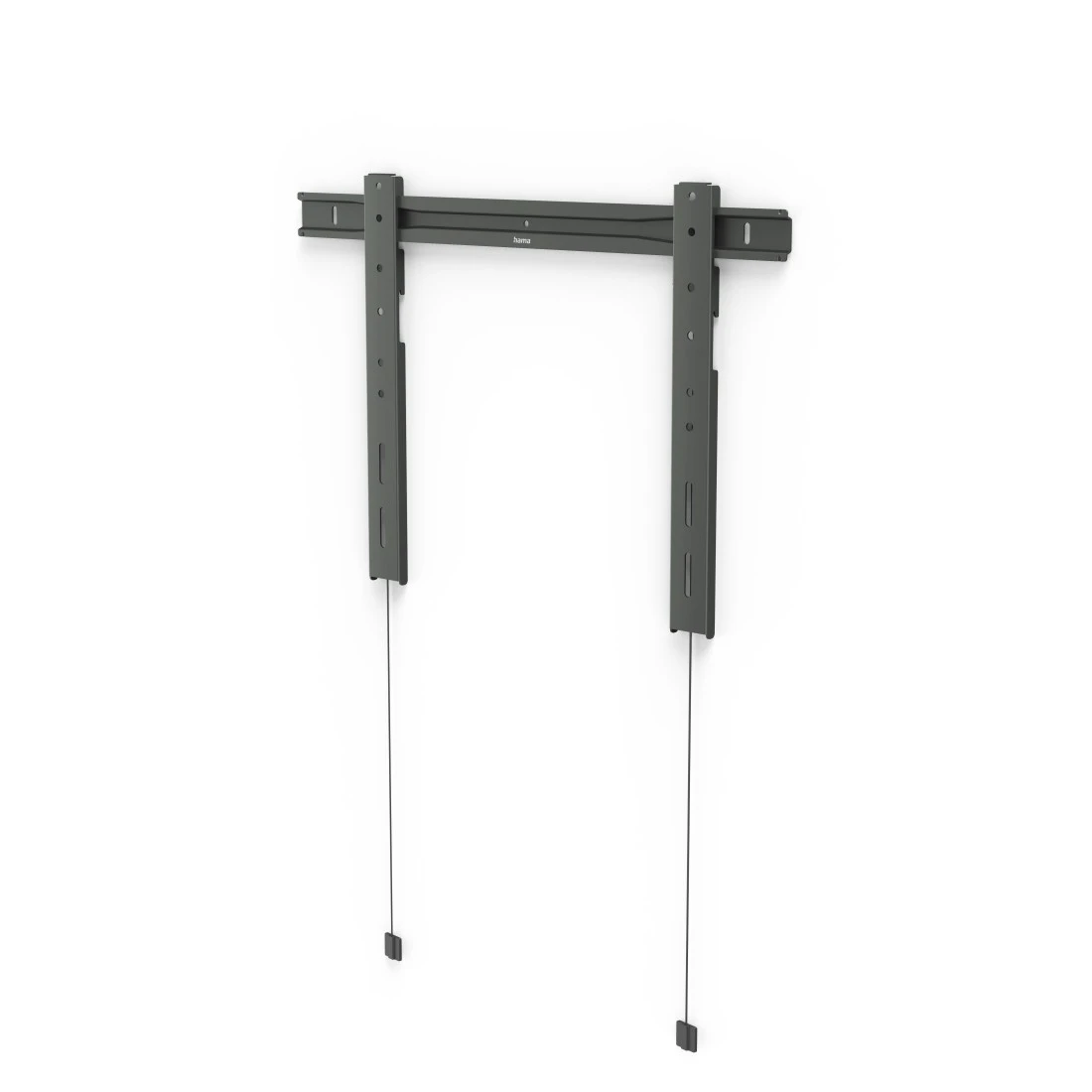
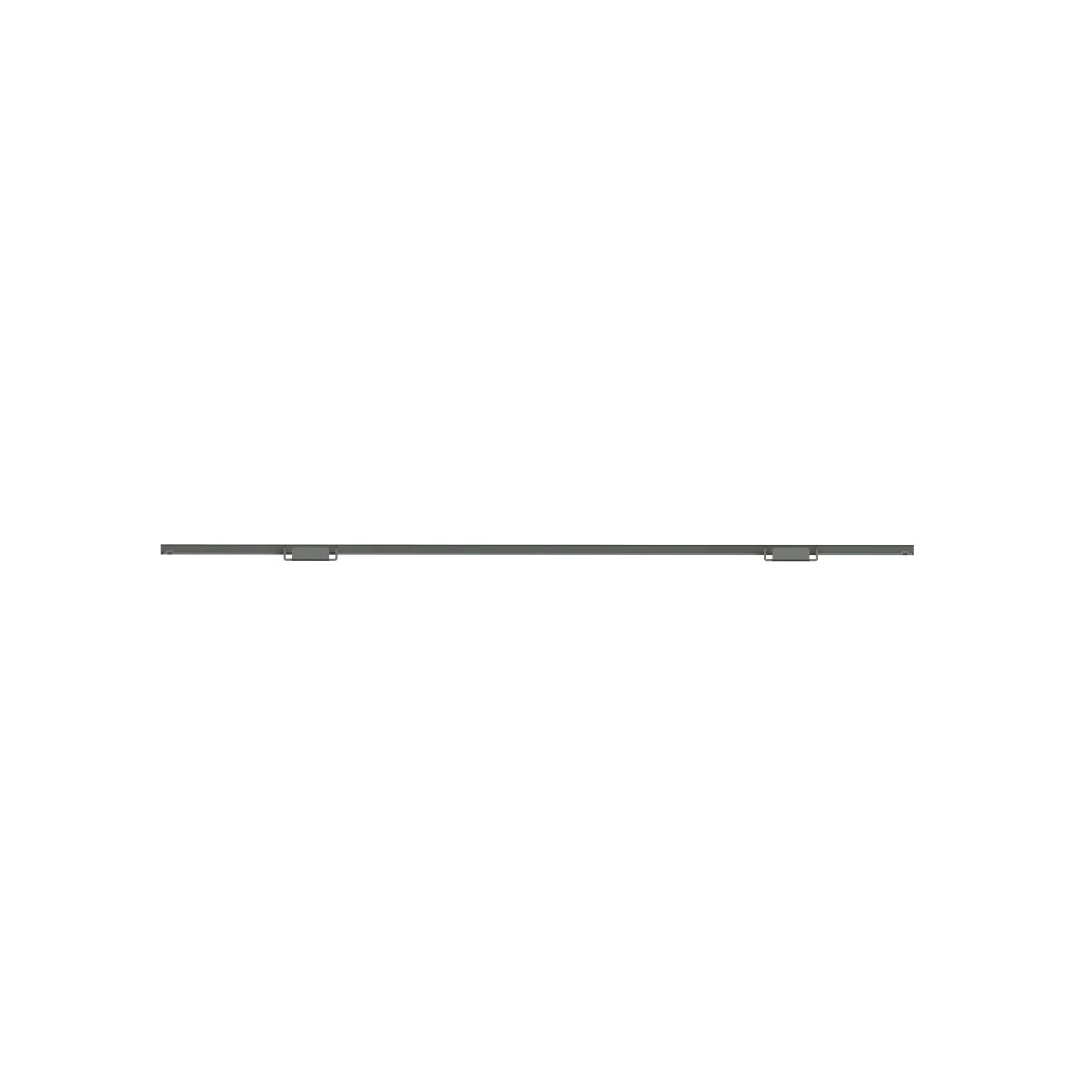
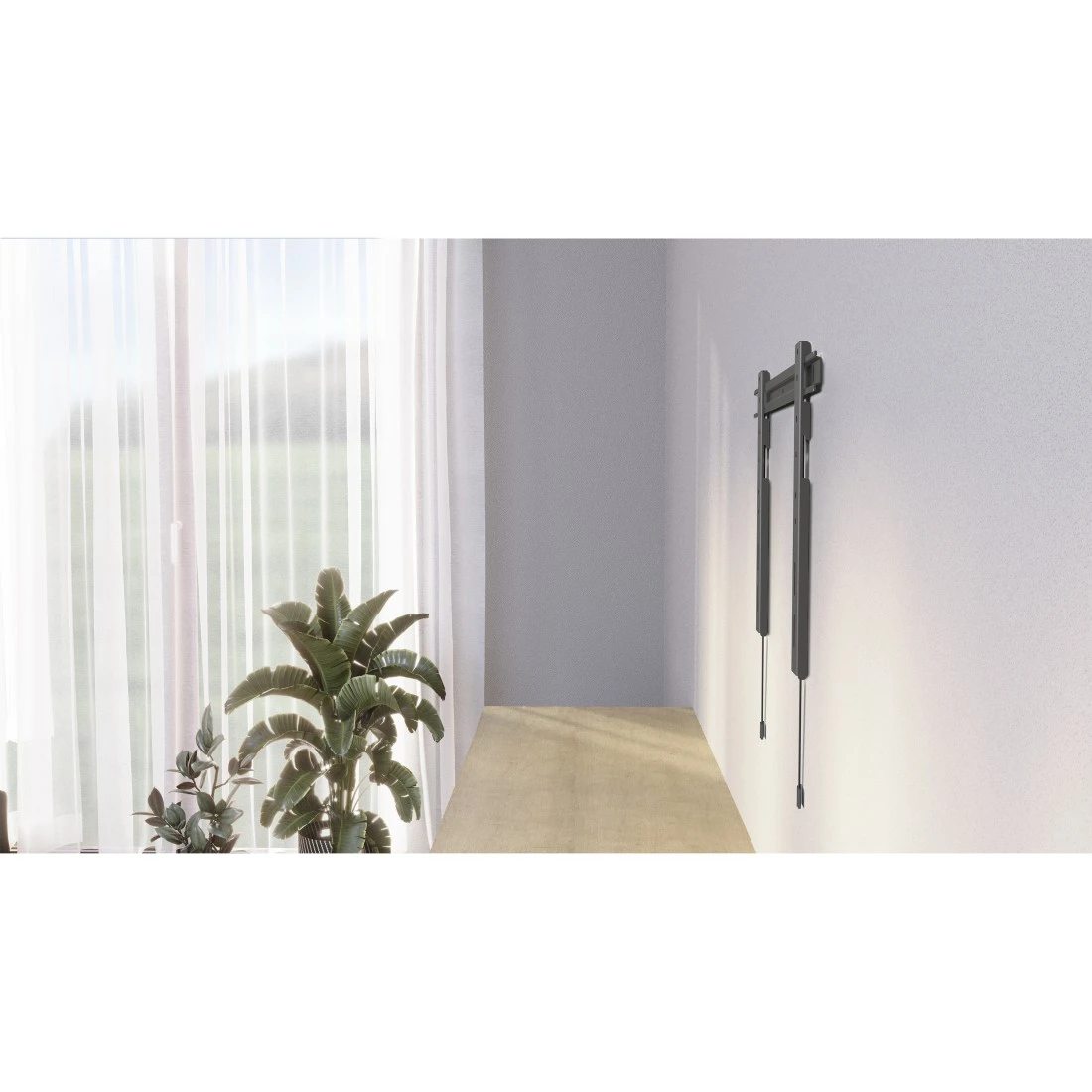

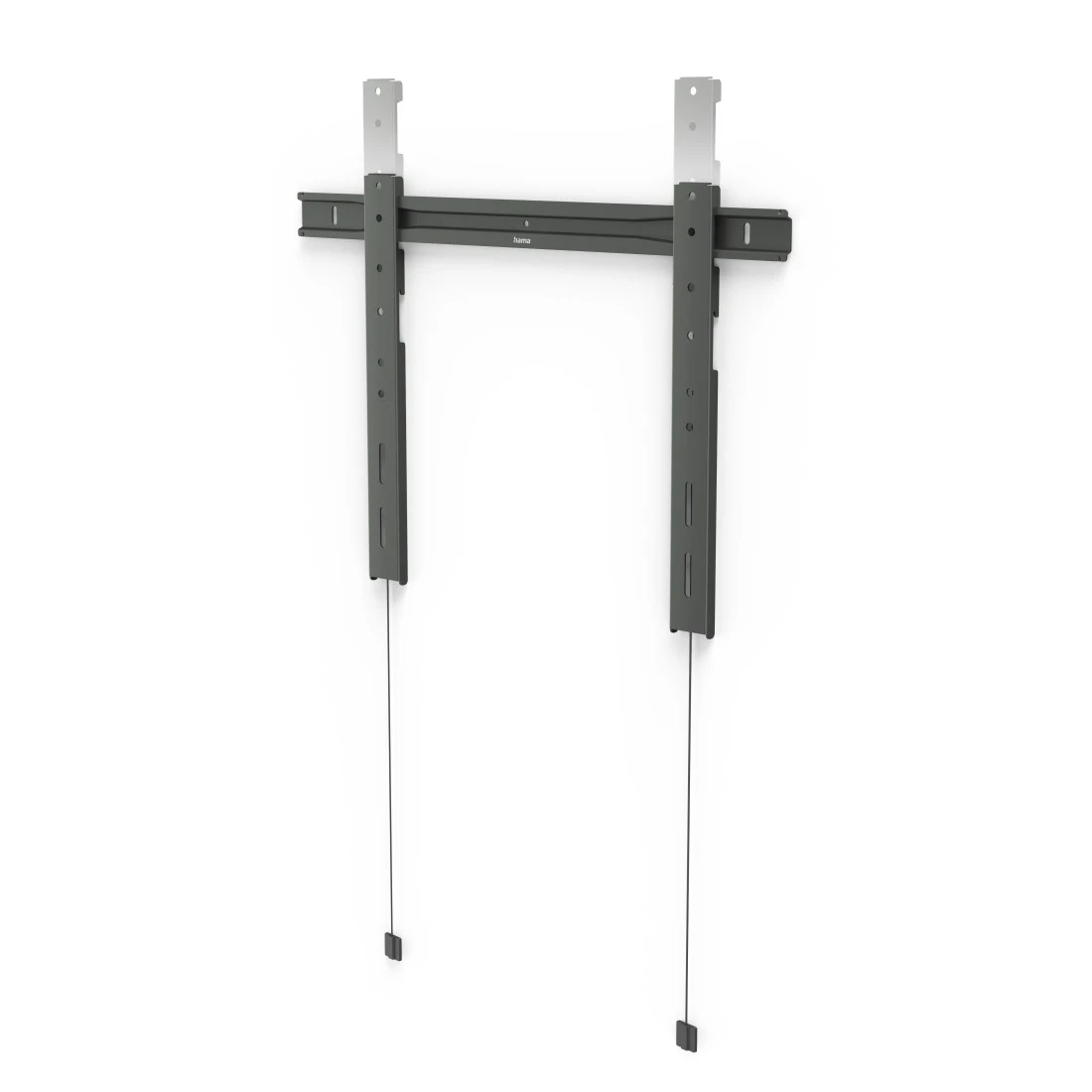
Hama Ultraslim Rigid TV Wall Bracket, 229 cm (90") up to 80 kg, Extra-flat, anth
Super flat, simply reliable and practically invisible: with its innovative design, the extra-flat Ultraslim TV wall bracket sets the scene for your flat-screen like a painting and reduces the distance from the wall to an absolute minimum. This is pure aesthetics for your living room!
-
Technical Specs
Design (Colour, Pattern, Motif, Series) Colour Black/Grey Shade of colour Anthracite Quality Quality Ultraslim Physical Properties Additional Functions Spirit level Hole Size Attachment Up to M8 Material Steel Maximum Load Capacity 80 kg Model TV Rotation 3 ° Size & Weight External Dimension (Height) 46 cm External Dimension (Width) 67.4 cm Mounting Plate (Length) 5 cm Mounting Plate (Width) 67.4 cm Screen Dimensions 94 cm (37"), 97 cm (38"), 99 cm (39"), 102 cm (40"), 104 cm (41"), 107 cm (42"), 109 cm (43"), 112 cm (44"), 114 cm (45"), 117 cm (46"), 119 cm (47"), 122 cm (48"), 123 cm (49"), 127 cm (50"), 129 cm (51"), 132 cm (52"), 137 cm (54"), 140 cm (55"), 142 cm (56"), 145 cm (57"), 147 cm (58"), 152 cm (60"), 155 cm (61"), 161 cm (63"), 163 cm (64"), 165 cm (65"), 178 cm (70"), 180 cm (71"), 191 cm (75"), 195 cm (77"), 198 cm (78"), 200 cm (79"), 203 cm (80"), 208 cm (82"), 213 cm (84"), 216 cm (85"), 218.4 cm (86"), 223,52 cm (88"), 228,6 cm (90") VESA (from-to) 50x50 - 600x400 VESA Standard 50 x 50, 75 x 100, 75 x 75, 100 x 100, 100 x 150, 100 x 200, 200 x 100, 200 x 200, 200 x 300, 200 x 400, 300 x 100, 300 x 200, 300 x 300, 300 x 400, 400 x 100, 400 x 200, 400 x 300, 400 x 400, 600 x 100, 600 x 200, 600 x 300, 600 x 400 Wall Spacing 1.45 cm Field of Application Field of Application Private Recommended Maximum Screen Size 228,6 cm (90") Recommended Minimum Screen Size 94 cm (37") Recommended Screen Size 94 - 229 cm (37" - 90") Suitable for TV Version Fix -
More product information
- The super-flat TV wall bracket combines practical and aesthetic requirements, even for large TVs: stylish and unobtrusive format for a tidy home with that home cinema feeling, perfectly suitable for ultra-flat TVs with a screen diagonal from 94 to 229 cm (37" to 90")
- Virtually no distance from the TV: the ultra-flat TV wall bracket has an extra-small wall clearance of just 14.5 mm
- Secure with no gaps: thanks to the innovative, ultra-slim design, the extra-flat wall bracket is virtually invisible behind the TV
- Especially suitable for ultra-flat OLED TV sets that appear to hang directly on the wall with the ultra-slim wall bracket
- Minimalist, stylish and space-saving for optimised positioning of the flat-screen in any room, e.g. in bedrooms or living rooms
- Sturdy TV bracket made from extra-strong raw material (steel)
Height adjustable by 103 mm (depending on the screen size and the position of the VESA holes) - Design developed in Germany
-
What's in the Box
- 1 TV wall bracket
- Installation material incl. Fischer plugs
- 1 spirit level
- 1 installation instructions
-
Note for Consumers
In addition to the various installation accessories delivered in the package, we also recommend the following tools: drill, pencil, screwdriver, power screwdriver, measuring tape, open-end spanner, spirit level.
FAQs
-
How do I change the position of the flat screen TV using the rotation setting?
Loosen the corresponding fastening screws and set the desired rotation. Then tighten the screw connection only so far that you can still adjust the TV by hand - i.e. do not tighten it completely. After releasing, the flat screen TV should then remain in the position you selected. This ensures that you can make minor changes to the position of the TV set at any time without using tools.