Use of cookies
This website uses cookies and various web services to provide you with an optimal user experience. By using mandatory cookies, we ensure that all main functions of this website are available to you.
With your agreement, further features of our website will become available to you, such as searching for retail shops, product videos and sharing content with friends.
You can revoke your agreement at any time. Information on this and even more on the subject of cookies and the various web services can be found in our Privacy Policy.
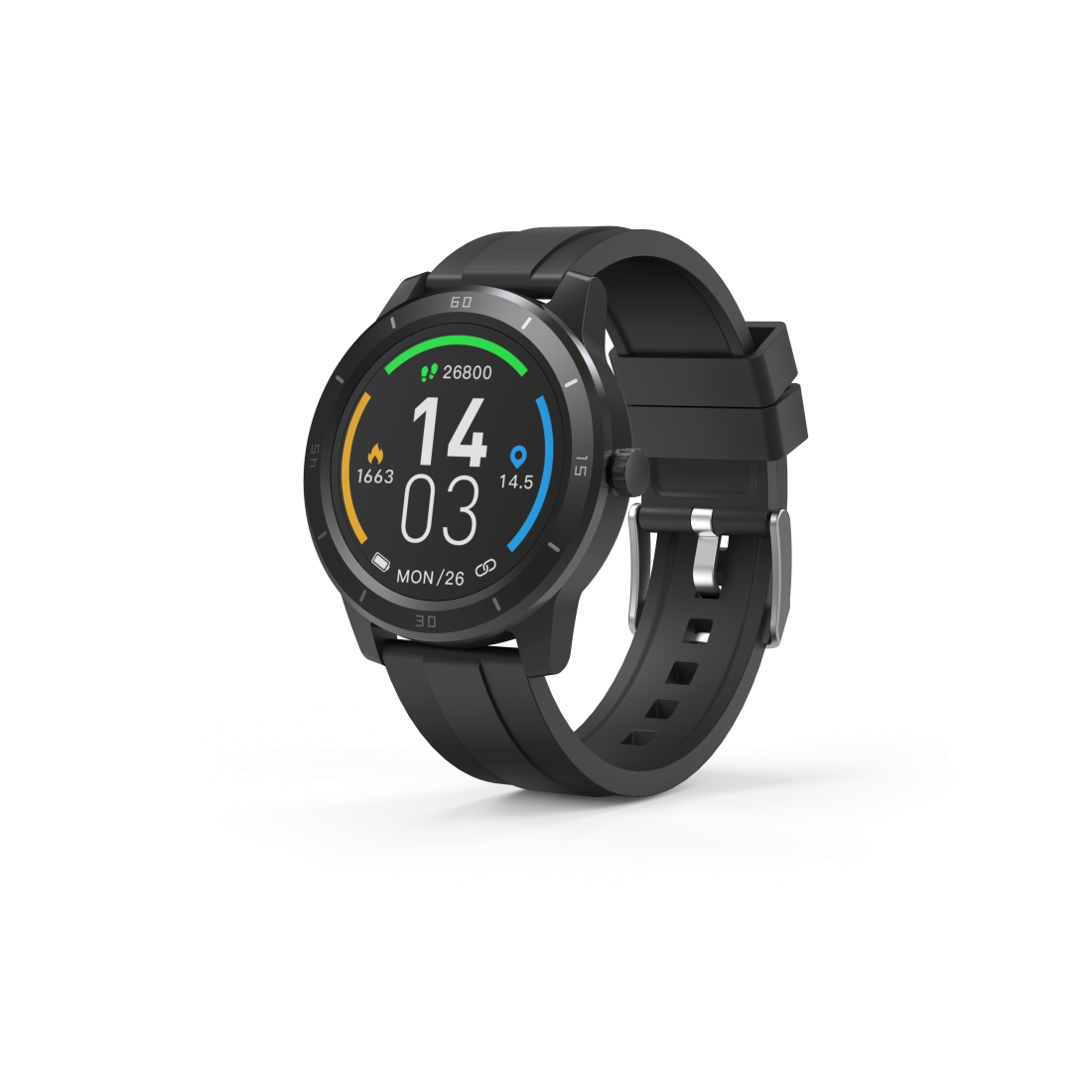
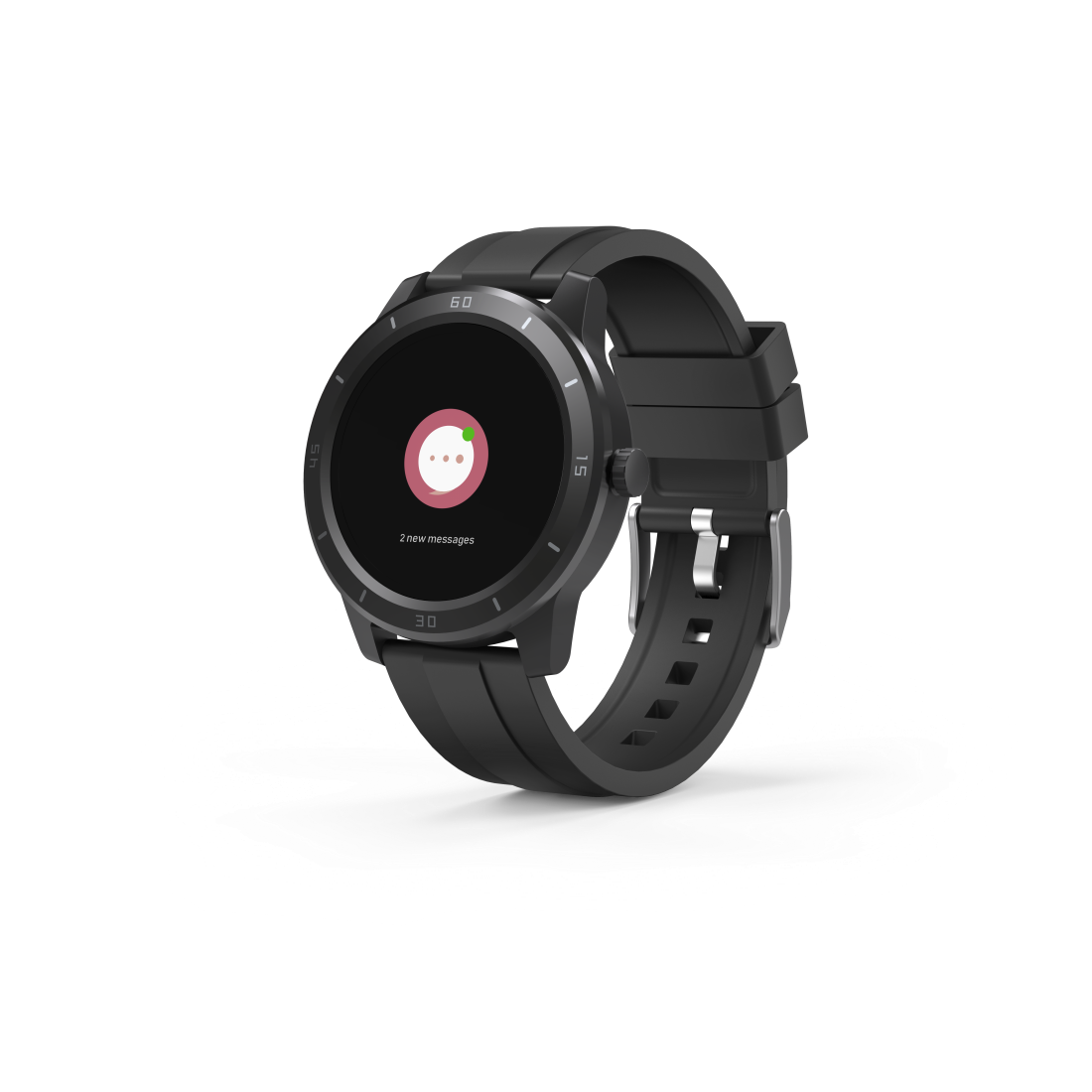
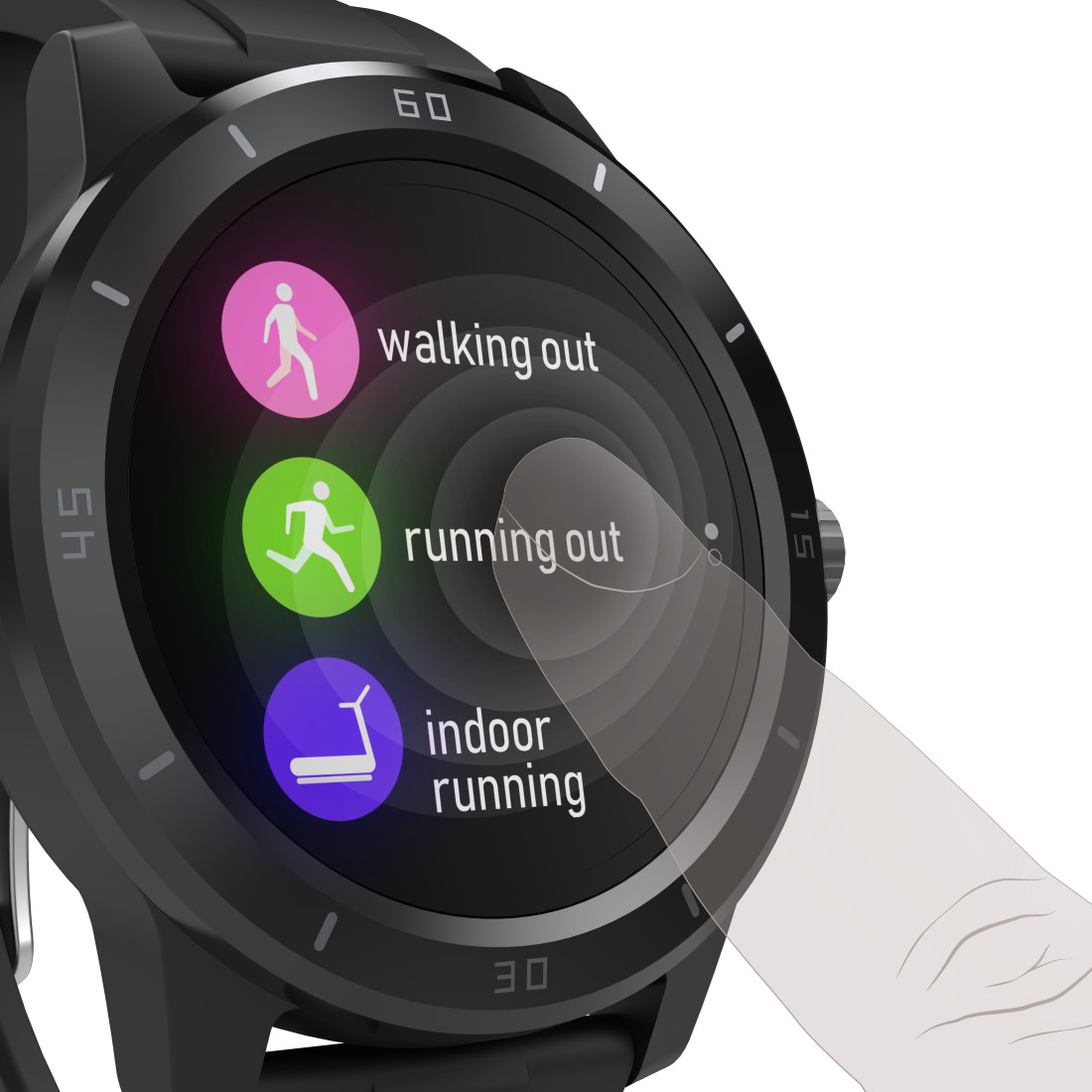
Hama "Fit Watch 6900" Smartwatch, GPS, Waterproof, Heart Rate, Calories, Sport
Smartwatch, fitness tracker or running watch - with the "Fit Watch 6900", you're always up to date and have a motivational coach to take you to new peaks of performance. Running, spinning, football, badminton or yoga - you've come too far to give up now!
-
Technical Specs
Design (Colour, Pattern, Motif, Series) Colour bracelet/housing Black/Grey Electrospecific Properties Bluetooth Version 4.2 Physical Properties Additional Functions Camera control, Clock, Do not disturb Mode, Drink Reminder, GPS, Motion reminder, Music control, Notifications, Phone Search, Sportmodi, Stopwatch, Timer, Tracker Search, Uhr IP protection class IP68 (protection against dust entry and permanent immersion) Material Acrylonitrile-Butadiene-Styrene (ABS)/Aluminium/Silica Gel Measuring Function Average heart rate, Calorie burning, Distance, Heart rate, Sleep, Speed, Tempo, Training time Special Feature Waterproof Type Smartwatch Size & Weight Display Size 3.3 cm (1.3") Height 1 cm Weight 45 g Width 4.8 cm Energy Max. Battery Runtime 120 h -
More product information
- Smart watch and fitness tracker with integrated GPS to monitor and optimise physical functions for a healthy lifestyle and active sport
- 9 types of sport can be stored on the sports watch
- Set sporting goals with the timer or stopwatch, e.g. 15 minutes of stair climbing or time the length of your sprint - it counts with the step counter too
- Thanks to a drink reminder, ensure you keep the ideal fluid balance
- The remote-control release for the smartphone camera can be operated by pressing the side function key or by touching the display
- Perfectly networked: in combination with Google Fit and Apple Health, get even more analyses for a healthy lifestyle
- The display brightness is adjustable so that it can be adapted to any lighting conditions
- The duration of the backlit display can be adjusted so that all information can be read at leisure
- The right display for everyone: choose from various display designs
- The display is activated by an upwards arm movement
- Be gently woken up with vibrations
- Do not disturb mode so nothing distracts you - either during sport or at the office
- Locate a mislaid smartphone with the telephone search function
- The app's search function allows you to find the smart watch wherever it is
- Convenient charging with Magnetic Charge - the charging cable supplied is connected to the smart watch via a magnet
- Special fitness strap, lightweight and pleasant to wear
-
What's in the Box
- 1 "Fit Watch 6900" smart watch
- 1 USB charging cable
- 1 instruction manual
Downloads

| Name | Operating System | required Version | Download |
|---|---|---|---|
| Hama FIT | iOS | 8.0 or higher |

|
| Hama FIT | Android | 4.3 or higher |
|