00178620
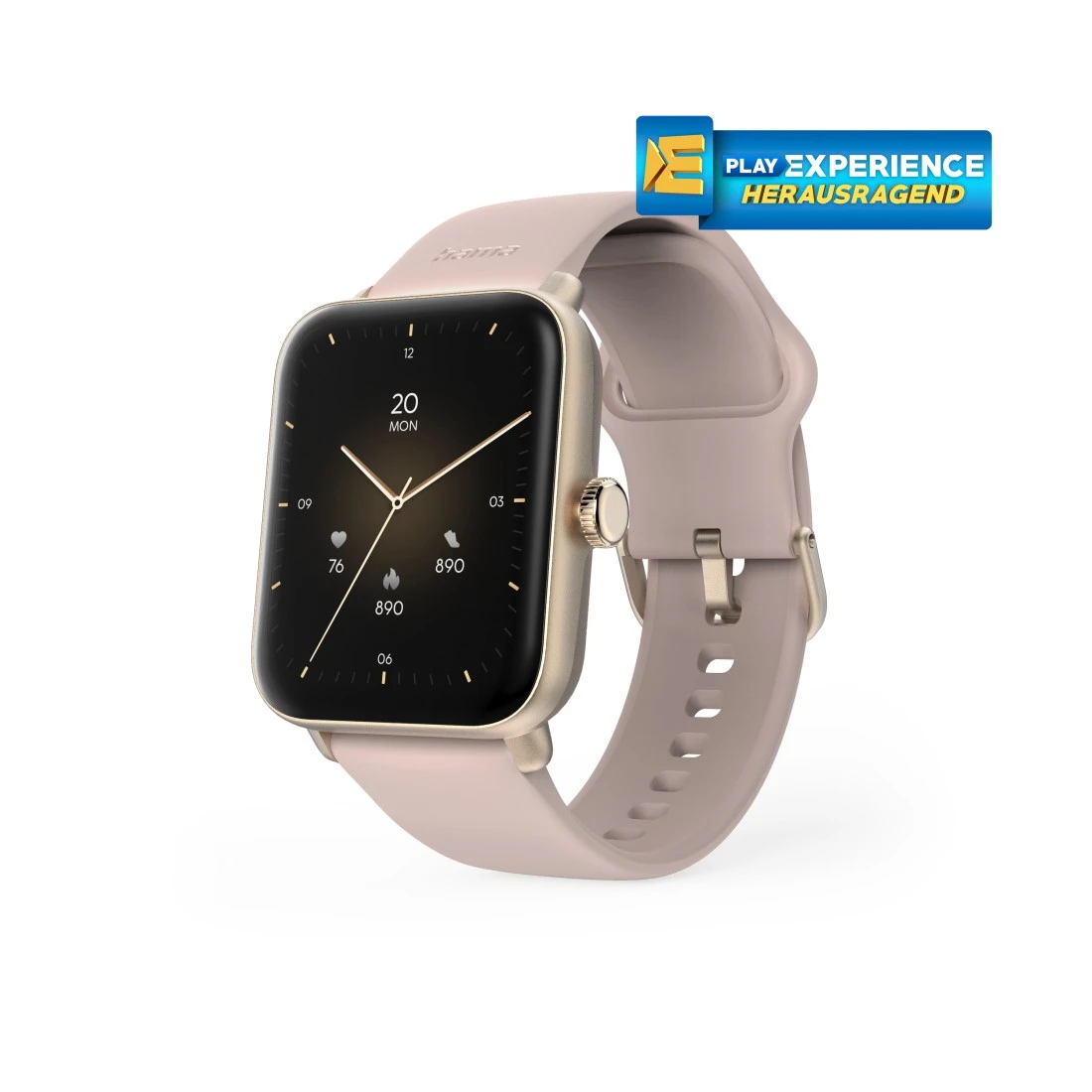
Hama "6010" Smart Watch, GPS, TFT Display 44 mm, Tel. Function, IP68 + 3 ATM, RS
Solutions & tips
Help & Guides
Downloads

| Name | Operating System | required Version | Download |
|---|---|---|---|
| Hama FIT Move | Android | 6.0 or higher |
|
| Hama FIT Move | iOS | 12.0 or higher |
|
FAQs
From 30 June 2025, the "Google Fit" app will no longer work. In order not to lose previous training data, you should transfer your data from Google Fit to Health Connect.
Simply charge your smart watch again - preferably fully, but for at least an hour. After fully charging, use the drainage function to be sure. If you are in the water for an extended period, the smart watch may discharge completely because the sensitive display registers water contact as touch input. We therefore recommend selecting “Swimming” or another water activity on the smart watch when swimming or spending a long time in the water, even if you do not want to track anything. The display then blocks and the rechargeable battery is not overloaded.
No matches found
Try searching for another term, check the spelling, or adjust your filters.
Technical details
Technical Specs
| Design (Colour, Pattern, Motif, Series) | Colour bracelet/housing | Rose/Rose Gold |
| Connectivity (Connection) | Connection | Bluetooth |
| Electrospecific Properties | Bluetooth Version | 5.3 |
| Display brightness | 450 Nits |
| Physical Properties | Additional Functions | Activity detection, Alarm Clocks, BEIDOU, BT-Call, Breathing exercise, Calendar, Camera control, Clock, Date, Desk Calculator, Dials, Do not disturb Mode, Drink Reminder, Finger-Touch Sensor, GALILEO, GLONASS, GPS, Games, Heart rate alarm, Menstrual cycle, Motion reminder, Music control, Notifications, Phone Search, Power saving mode, Running courses, Screen brightness adjustable, Sportmodi, Stopwatch, Timer, Torches, Training protocol, Weather Display |
| IP protection class | IP68 (protection against dust entry and permanent immersion) | |
| Material Body | Plastic Material | |
| Material bracelet | Silicone | |
| Measuring Function | Aerober training effect, Average heart rate, Blood oxygen, Calorie burning, Distance, Heart rate, Heart rate at rest, Heart rate category, Heart rates variability (HRV), Max. oxygen intake (VO2max), Pedometer, Recommended recovery time, SWOLF, Sleep score and stages of sleep, Speed, Stress, Tempo, Training time | |
| Screen Type | LCD | |
| Special Feature | Waterproof | |
| Type | Smartwatch | |
| Type of Closure | Pin Buckle | |
| Voice assistant | Apple Siri/Google Assistant | |
| Water protection according to ISO 22810: 2010 | 3 ATM |
| Size & Weight | Case size | 44 mm |
| Display Size | 4.19 cm (1.65") | |
| W x H x L | 3.6 x 1.3 x 4.9 cm | |
| Strap length at least | 13.8 cm | |
| Strap length maximum | 19 cm | |
| Strap Width | 2.2 cm | |
| Weight | 40 g |
| Energy | Average battery life | ca. 5 - 7 days |
| Battery Capacity | 350 mAh | |
| Battery Type | Lithium Polymer Battery | |
| Charging Method | Connection |
| Field of Application | Gender | Unisex |
| Usage | Activity Tracker |
System Requirements
- Operating system: Android 6.0 and iOS 12.0 or later
Note for Consumers
Activate “Swimming” or the appropriate type of sport prior to prolonged contact with water, even if nothing needs to be tracked. Then: use the drain function.
After wearing for a long period / swimming, clean with a slightly damp cloth.