00118100
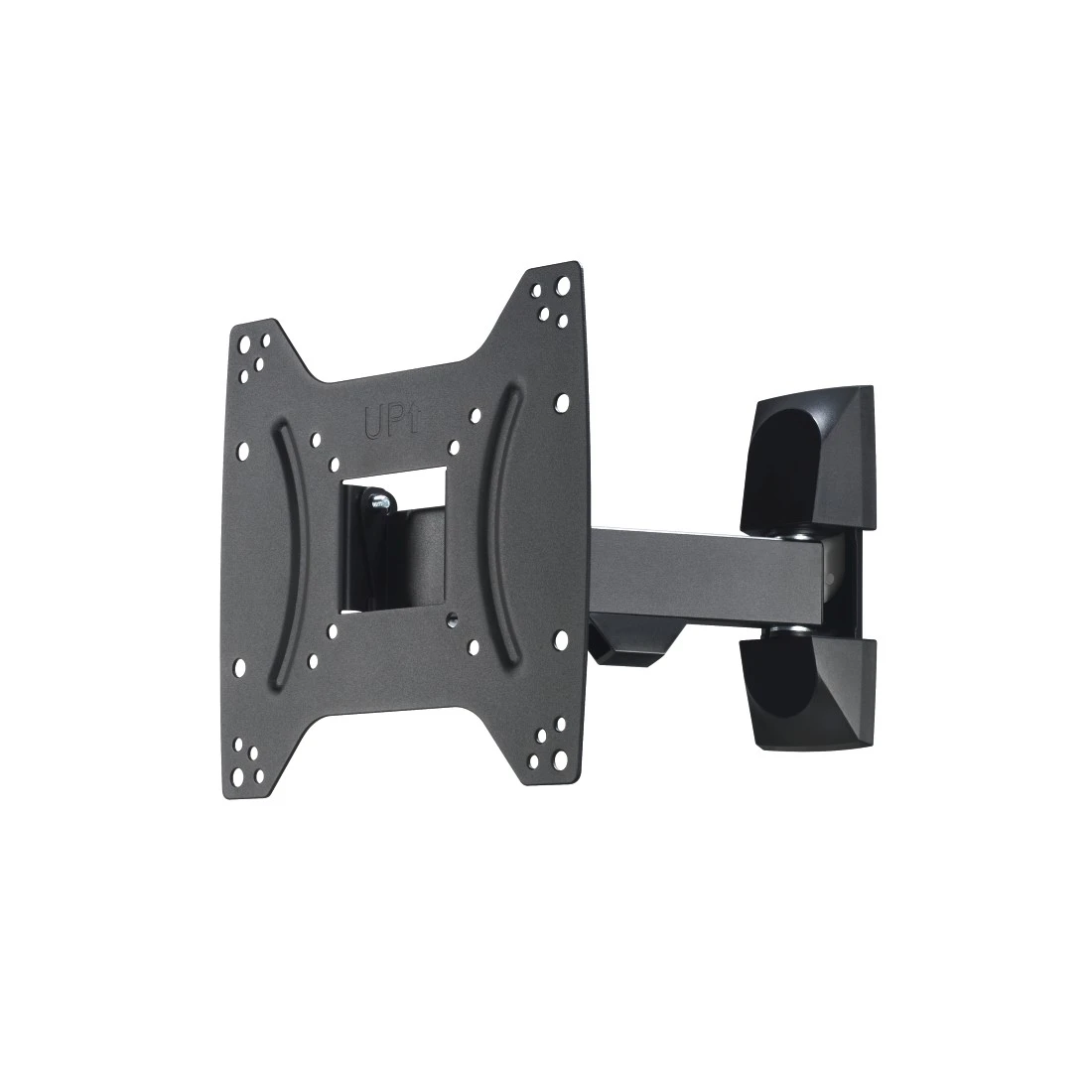
Hama TV Wall Bracket, Swivel, Tilt, 122 cm (48") up to 20 kg

FAQs
To adjust the tilt angle, open the fastening screws at the side, set the required tilt, and then secure the screws in place again.
No matches found
Try searching for another term, check the spelling, or adjust your filters.
Technical details
Technical Specs
| Design (Colour, Pattern, Motif, Series) | Colour | Black |
| Shade of colour | Black |
| Quality | Quality | 1 Star |
| Physical Properties | Hole Size Attachment | Up to M8 |
| Material | Steel Plate | |
| Maximum Load Capacity | 20 kg | |
| Maximum swivel range | 180 ° | |
| Model | TV | |
| Number of joints | 2 | |
| Projection maximum | 22.2 cm | |
| Projection minimum | 5.6 cm | |
| Rotation | 0 ° | |
| Special Feature | Cablemanager | |
| Tilt +/- | 5 / 12 ° |
| Size & Weight | External Dimension (Height) | 22 cm |
| External Dimension (Width) | 23 cm | |
| Mounting Plate (Length) | 16.5 cm | |
| Mounting Plate (Width) | 6.6 cm | |
| Screen Dimensions | 48 cm (19"), 50,8 cm (20"), 56 cm (22"), 58 cm (23"), 61 cm (24"), 66 cm (26"), 71 cm (28"), 74 cm (29"), 76 cm (30"), 81 cm (32"), 84 cm (33"), 86 cm (34"), 89 cm (35"), 91 cm (36"), 94 cm (37"), 97 cm (38"), 99 cm (39"), 102 cm (40"), 104 cm (41"), 107 cm (42"), 109 cm (43"), 112 cm (44"), 114 cm (45"), 117 cm (46"), 119 cm (47"), 122 cm (48") | |
| VESA (from-to) | 75x75 - 200x200 | |
| VESA Standard | 75 x 75, 100 x 100, 200 x 100, 200 x 200 |
| Field of Application | Recommended Maximum Screen Size | 122 cm (48") |
| Recommended Minimum Screen Size | 48 cm (19") | |
| Recommended Screen Size | 48 - 122 cm (19"-48") | |
| Suitable for | TV | |
| Version | Swivelling/Tilting |
Note for Consumers
In addition to the various installation accessories delivered in the package, we also recommend the following tools: drill, pencil, screwdriver, power screwdriver, measuring tape, open-end spanner, spirit level.
To be able to use the full range of motion, route the cable to the fully extended TV wall bracket and ensure that there is sufficient room for the cable to move.