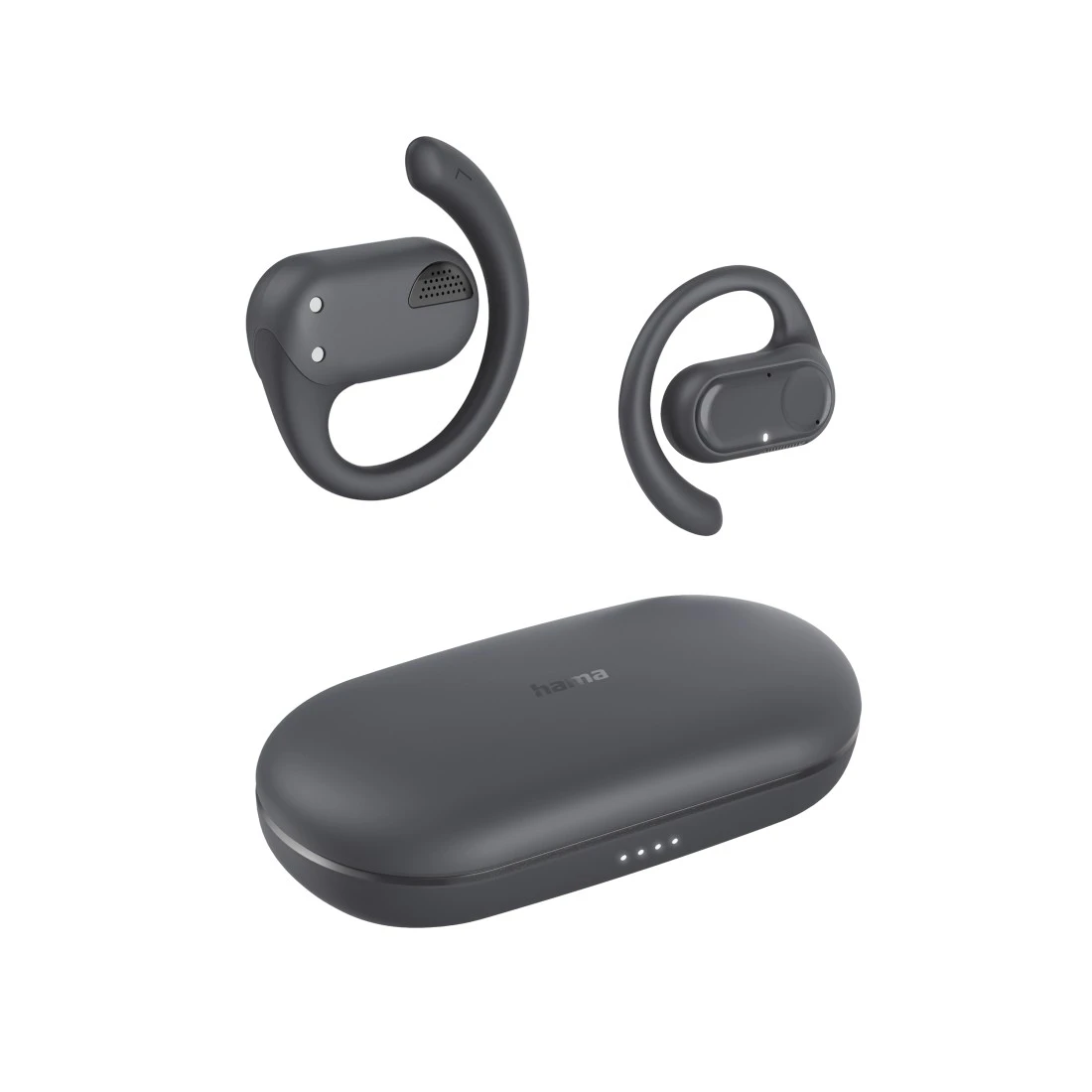
00184091
Hama “Spirit Open” Bluetooth® Headphones, OWS Open Ears, True Wireless, App, blk

FAQs
If you have lost or misplaced your Bluetooth headphones, you can easily locate them using the "Hama Home" app. To do this, use the app to query the last known location via GPS where the smartphone and headphones were connected via Bluetooth. Tip: if the earpieces are still active or switched on, the Bluetooth connection can be re-established within a radius of 10 metres (depending on ambient conditions). If the headphones and mobile phone reconnect immediately, you know for sure that it is still where you last had them.
A prerequisite for the Find function for wireless headphones is that the app can retrieve location information. You can specify this in the app settings.
A prerequisite for the Find function for wireless headphones is that the app can retrieve location information. You can specify this in the app settings.
No matches found
Try searching for another term, check the spelling, or adjust your filters.
Technical details
Technical Specs
| Design (Colour, Pattern, Motif, Series) | Colour | Grey |
| Line | Spirit | |
| Shade of colour | Dark Grey |
| Electrospecific Properties | Bluetooth Class | Class 2 |
| Bluetooth Version | 5.3 | |
| Frequency Band | 2402-2480MHz | |
| Frequency Range (Headphone) | 80 Hz - 15 kHz | |
| Frequency Range (Microphone) | 20 Hz - 3 kHz | |
| Impedance (Headphone) | 16 Ω | |
| Impedance (Microphone) | 300 Ω | |
| Transmission distance | 10 m |
| Physical Properties | Additional Functions | True Wireless |
| Compatible bluetooth profiles | A2DP/AVRCP/HFP | |
| Design | Ear Hook | |
| Directivity (Microphone) | Omnidirectional | |
| Loading frequency | 2 x | |
| Max. Music time | 18 h | |
| Max. Standby | 150 h | |
| Max. Talk Time | 18 h | |
| Microphone Position | Integrated Microphone | |
| Model | Stereo | |
| Sensitivity (Headphone) | 121 dB | |
| Sensitivity (Microphone) | -38 dB +/- 3 dB | |
| Type | Bluetooth Headphone |
| Size & Weight | Speaker Diameter | 15 mm |
| Weight | 90 g |
| Energy | Charging Method | USB-C socket |
| Charging Time in Hours | 2 h |
| Field of Application | Recommended Use | Mobile Music/Sport |
| Funkanlagenrichtline | Power supply included | No |
| Required high performance power supply | 2.0 W | |
| Required minimum power supply | 2.0 W | |
| USB PD | No |
System Requirements
- Bluetooth-enabled device
Note for Consumers
To use the earphones for the first time, they must be paired with your smartphone after you open the charging box. Follow the instructions for use.
Next time you use them, the earphones will automatically connect to each other and the paired mobile phone.