Note for Consumers
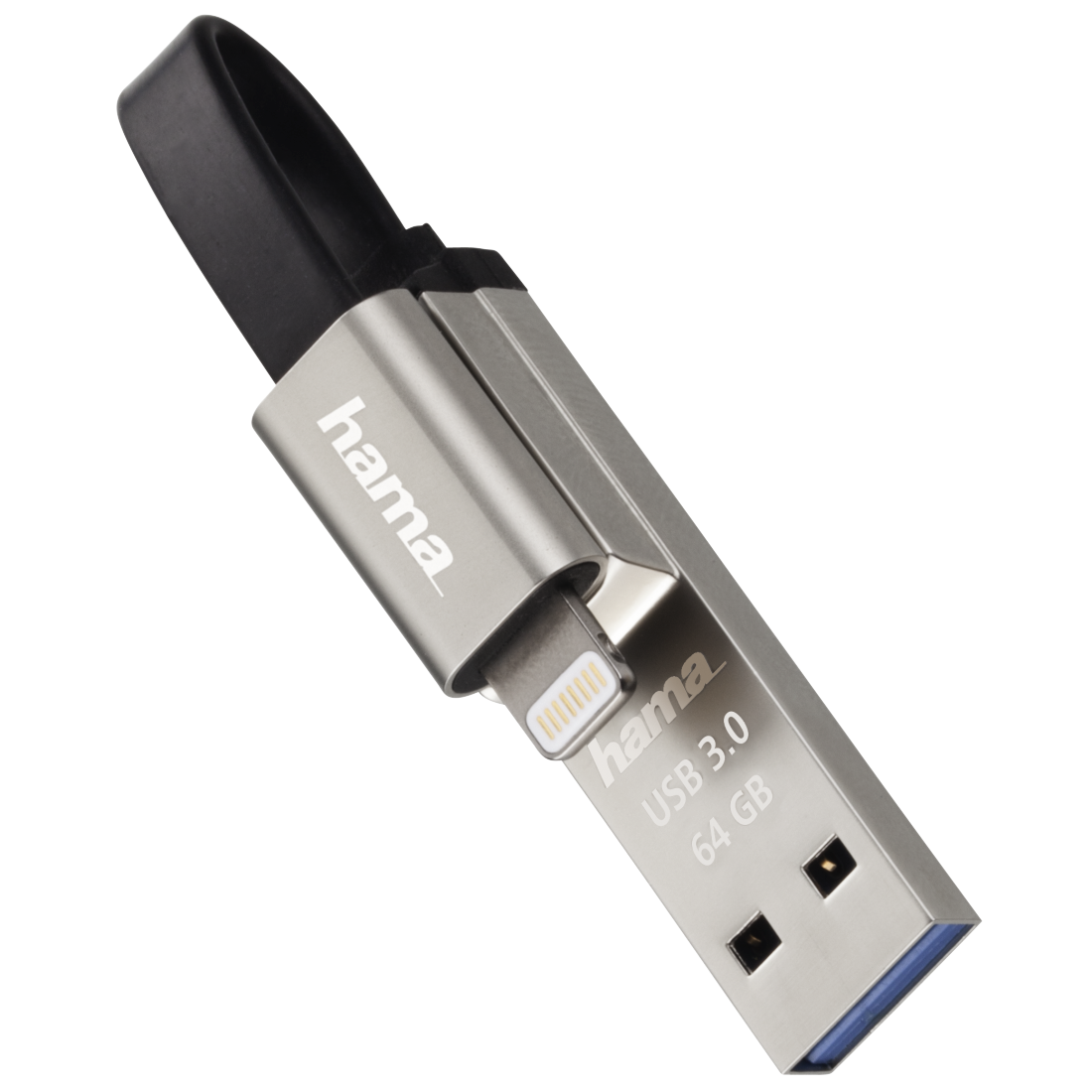
MFI products are licensed by Apple and specially designed for connection to an iPhone and iPad. Apple requires high quality standards and verifies these standards before the products´ market launch.
Using the product with an Apple iPhone or iPad requires the free "Save2Data Pro" app.
The professional version of Hama´s "Save2Data" app not only lets you transfer data from "Save2Data SecureKey" to an iPhone or iPad, it also provides you with a load of other options.
Here´s a short overview of some of the many functions:
- Encrypt "Save2Data SecureKey" so that only you have access to your sensitive data
- Compress several files to a zip file
- Use the app to make and save audio recordings directly to the stick
- Back-up function for images and videos; option: select this function to start automatically when you open the app.
- Transfer images, videos, files or music.
- Record and save images and videos directly to stick via the app
- Back-up function for contacts
Simply plug the stick into your terminal device, open the "Save2Data Pro" app and start using the functions. You don´t even need a cable or internet connection!