00178695
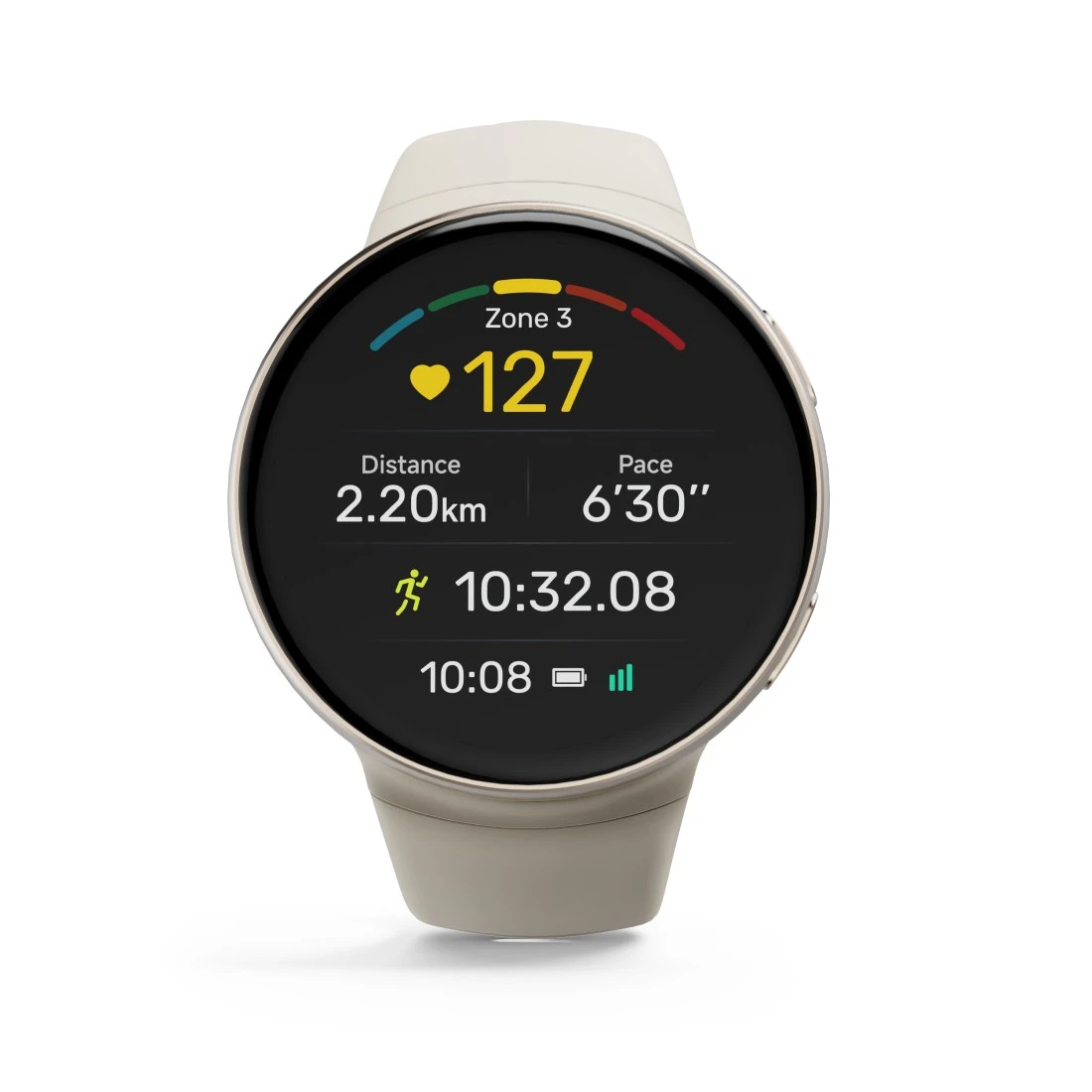
Hama "Erea" Smart Watch, Fitness / E'day, GPS, AMOLED, 44 mm, IP68+5 ATM, Rnd, AU
Solutions & tips
Help & Guides

FAQs
Connection drops often occur because the smartphone’s operating system automatically closes the app in the background to save power. This applies to the Hama Fit Move, Hama Active and Hama Pulse apps. To resolve the issue, go to your smartphone’s settings and make sure your Hama app is allowed to run in the background, then disable power-saving mode.
Go to Settings > General > About. The current firmware version is shown there.
No matches found
Try searching for another term, check the spelling, or adjust your filters.
Technical details
Technical Specs
| Design (Colour, Pattern, Motif, Series) | Colour bracelet/housing | Beige/Gold |
| Connectivity (Connection) | Connection | Bluetooth/Bluetooth Low Energy Heart Rate Service (BLE HRS, Service UUID 0x180D) |
| Electrospecific Properties | Bluetooth Version | 5.3 |
| Display brightness | 1000 Nits | |
| Resolution | 466 x 466 Pixel |
| Physical Properties | Additional Functions | Activity detection, Alarm Clocks, Always-On-Display, Appointment reminder, BEIDOU, BT-Call, Bluetooth Heart Rate Transmission, Breathing exercise, Camera control, Clock, Compass, Custom watch faces, Date, Desk Calculator, Dials, Do not disturb Mode, Drink Reminder, Emergency contacts, Finger-Touch Sensor, GALILEO, GLONASS, GPS, Gyroscope, Heart rate alarm, Heatmaps, Integrated music memory, Menstrual cycle, Motion reminder, Music control, Notifications, Pedometer, Power saving mode, Route navigation, SOS function, Screen brightness adjustable, Sleep mode, Smartphone search, Smartwatch search, Sportmodi, Stopwatch, Stress tracker, Timer, Torches, Training protocol, Water barrier, Weather Display, World clock |
| IP protection class | IP68 (protection against dust entry and permanent immersion) | |
| Material | Aluminium Alloy/Plastic Material/Silicone | |
| Material Body | Aluminium Alloy/Plastic Material | |
| Material bracelet | Silicone | |
| Measuring Function | Activity calories, Average cadence, Average heart rate, Barometric altimeter, Blood oxygen, Distance, Floors, Heart rate, Heart rate at rest, Heart rate category, Heart rates variability (HRV), Max. heart rate, Max. oxygen intake (VO2max), Pedometer, SWOLF, Sleep, Sleep score and stages of sleep, Speed, Stress, Stride length, Tempo, Total calories, Training load, Training readiness, Training time | |
| Screen Type | Amoled | |
| Type | Smartwatch | |
| Type of Closure | Pin Buckle | |
| Water protection according to ISO 22810: 2010 | 5 ATM |
| Size & Weight | Case size | 44 mm |
| Display Size | 3,35 cm (1,32") | |
| W x H x L | 4.4 x 1.1 x 48 cm | |
| Strap Width | 2 cm | |
| Weight | 41 g |
| Energy | Average battery life | ca. 5 - 7 days |
| Battery Capacity | 260 mAh | |
| Battery Type | Lithium Polymer Battery | |
| Charging Method | Contact |
| Field of Application | Compatible Platforms (via App) | Apple Health/Health Connect/Strava |
| Condition | A-Ware | |
| Gender | Unisex | |
| Usage | Activity Tracker |
| EU Data Act - personal data | Maximum data length (personal data) | 5000 KB |
System Requirements
- From Android 9.0/iOS 14.0
Note for Consumers
After swimming: use the drain function.
After wearing for a long period / swimming, clean with a slightly damp cloth.