00176973
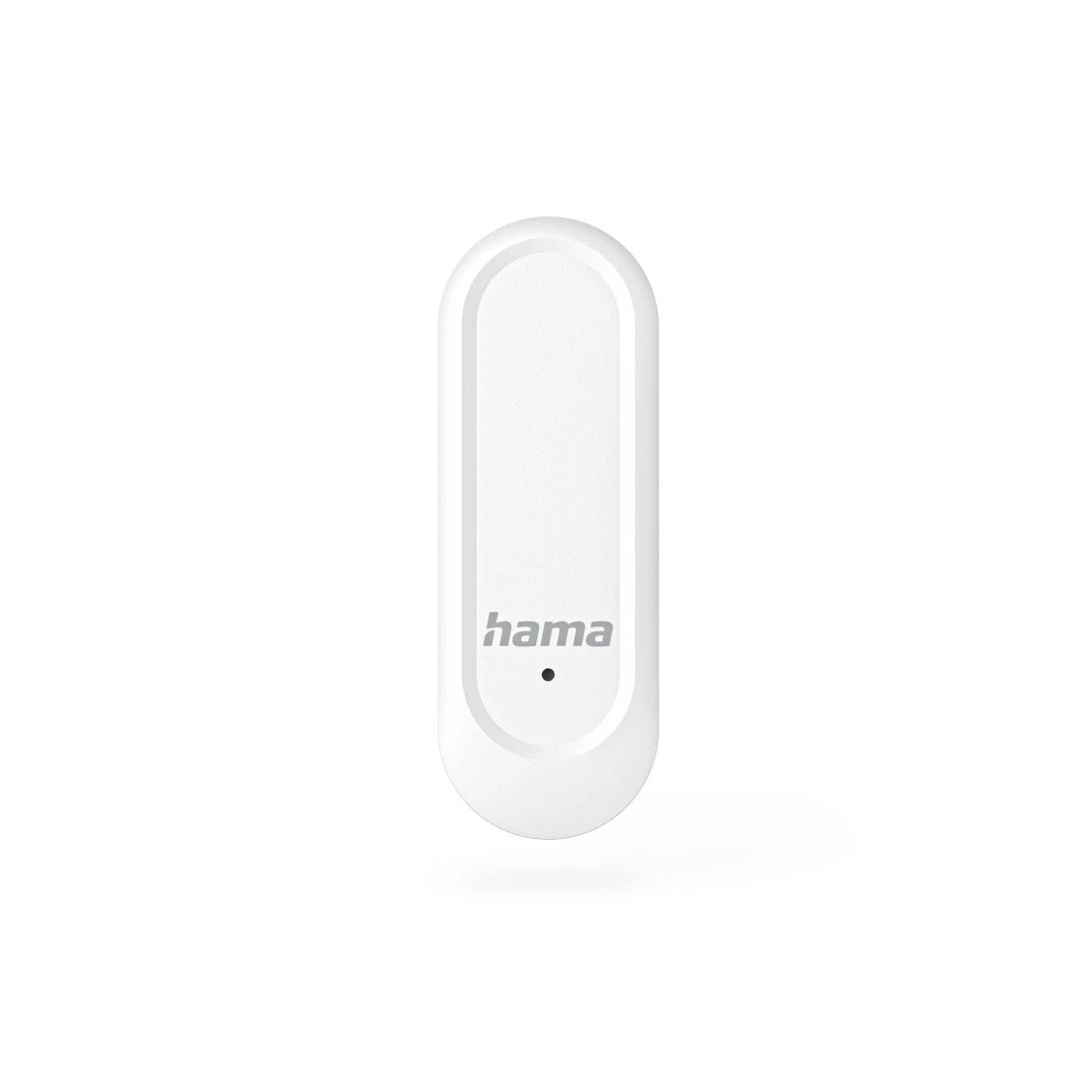
Hama Smart Thermo-Hygrometer, WLAN, For Indoors / Outdoors, IP65, with App, white
Solutions & tips
Help & Guides

FAQs
Open the device in the app and go the the icon in the top right ("…", pencil, gear icon) > Device Update. The current firmware version is shown there.
No matches found
Try searching for another term, check the spelling, or adjust your filters.
Technical details
Technical Specs
| Design (Colour, Pattern, Motif, Series) | Colour | White |
| Shade of colour | White |
| Physical Properties | Additional Functions | Hygrometer |
| Air Humidity Measuring Range | 20% to 90% | |
| Display | App | |
| Material | Plastic Material | |
| Measuring Range | -15°C to +60°C | |
| Model | Smart Home Thermometer | |
| Mounting | Hanging | |
| Special Feature | Weatherproof | |
| Type | Thermometer / Hygrometer |
| Size & Weight | Width x Depth x Height | 2.7 x 2.3 x 7.3 cm |
| Energy | Battery Type | AAA Micro |
| Number of Batteries | 2 |
| Field of Application | App Control | Amazon Alexa/Apple Home/Google Home/Hama Home/Hama Smart Home/Matter/SmartThings |
| Recommended Use | Home Assistent |
| EU Data Act - personal data | Maximum data length (personal data) | 5000 KB |
System Requirements
- Operating system: Android 8.1/iOS 16.1 or later
Note for Consumers
Amazon Alexa/Google Assistant:
To do this, the Alexa skill "Hama Home" must have been activated in the Alexa App / the "Hama Home" service must have been activated in the Google Home App. The user account for the Hama Home app is then connected Alexa / Google.