00176676
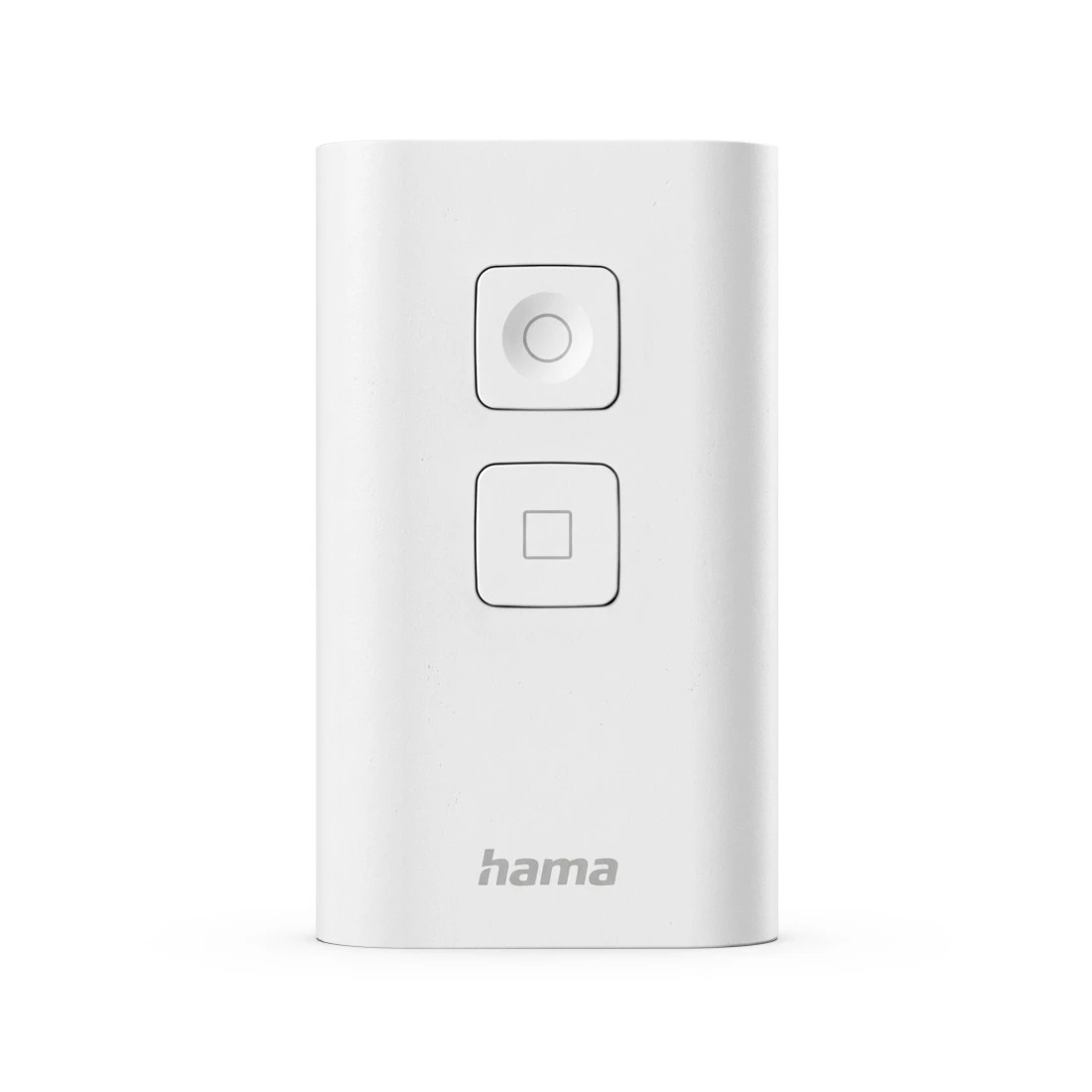
Hama Zigbee Switch, 2 Buttons, Smart Button for 6 Scenes, Programmable

App

Hama Home
Required Version:
- iOS: 8.0 or higher
- Android: 4.1 or higher


FAQs
Open the device in the app and go the the icon in the top right ("…", pencil, gear icon) > Device Update. The current firmware version is shown there.
No matches found
Try searching for another term, check the spelling, or adjust your filters.
Technical details
Technical Specs
| Design (Colour, Pattern, Motif, Series) | Colour | White |
| Shade of colour | White |
| Connectivity (Connection) | Signal Transmission | Zigbee |
| Electrospecific Properties | Frequency Range | 2,400 GHz - 2,483 GHz |
| Range | 30 m |
| Physical Properties | Material | Plastic Material |
| Number of Keys | 2 |
| Size & Weight | Length x Width x Depth | 7.9x5x1.8 cm |
| Weight without Rechargeable Battery/Battery | 37 g |
| Energy | Battery Type | AAA Micro |
| Number of Batteries | 2 | |
| Power Supply | Batteries |
| Field of Application | App Control | Hama Home |
| Suitable for | Lighting/Radio-controlled sockets |
System Requirements
- Operating system: Android 8.1 and iOS 16.1 or later
Note for Consumers
To integrate the smart button into the WiFi network, a Zigbee-enabled smart home hub is required (not included in the extent of delivery), e.g. Hama Smart Home hub or the Hama heating central control unit.