00136244
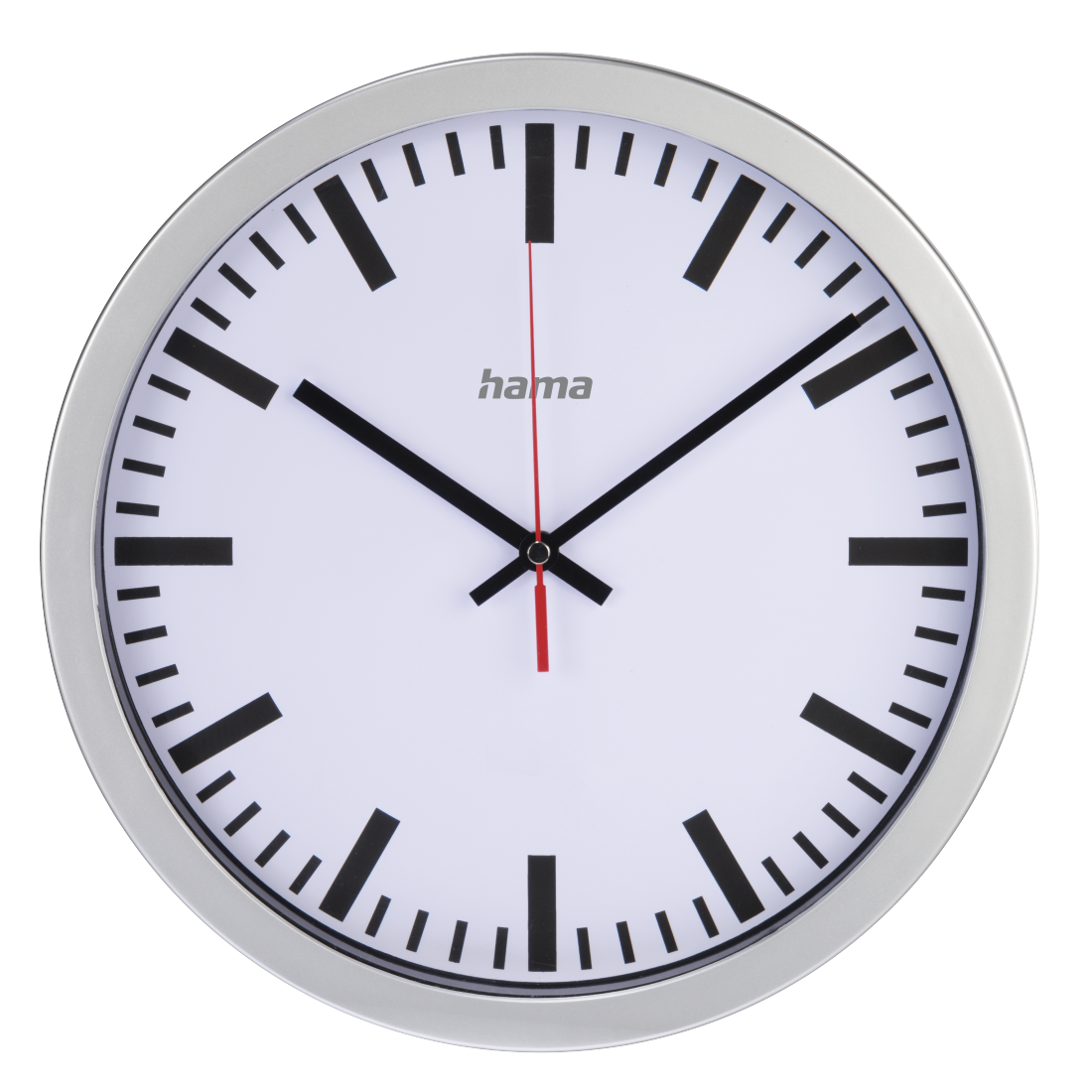
Hama "Station" Radio-Controlled DCF Wall Clock, silver

FAQs
Electronic devices such as TV sets, computers, etc. can interfere with the reception of the DCF radio signal, and in offices especially there are lots of sources of interference. Here, it can often be useful to position the wall clock in a different place. Close to windows, the reception is frequently much better.
We recommend removing the battery first and reinserting it after around a minute in the new location. If the battery is inserted correctly, the radio clock will automatically set itself to 12 o'clock and is ready to receive. The receiving and processing of the radio signal can take up to 15 minutes. Please do not move the clock during this process.
We recommend removing the battery first and reinserting it after around a minute in the new location. If the battery is inserted correctly, the radio clock will automatically set itself to 12 o'clock and is ready to receive. The receiving and processing of the radio signal can take up to 15 minutes. Please do not move the clock during this process.
If reception at your chosen location is inadequate, you can also set the time manually. To do this, simply hold the SET button down until the correct time is displayed. As soon as the radio clock receives the DCF signal again, it will adjust itself precisely as normal.
No matches found
Try searching for another term, check the spelling, or adjust your filters.
Technical details
Technical Specs
| Design (Colour, Pattern, Motif, Series) | Colour Dial | White |
| Colour of the Housing | Silver | |
| Seconds display | Second Hand |
| Physical Properties | Additional Functions | DCF-Radio clock |
| Cover material | Glass | |
| Display | Analogue | |
| Material Body | Plastic Material | |
| Model | Wall Clock | |
| Operating Mode | Wireless |
| Size & Weight | Depth | 4.4 cm |
| Diameter | 30 cm | |
| Height | 30 cm | |
| Weight | 547 g | |
| Width | 30 cm |
| Energy | Battery Type | AA Mignon |
| Number of Batteries | 1 |