00049679
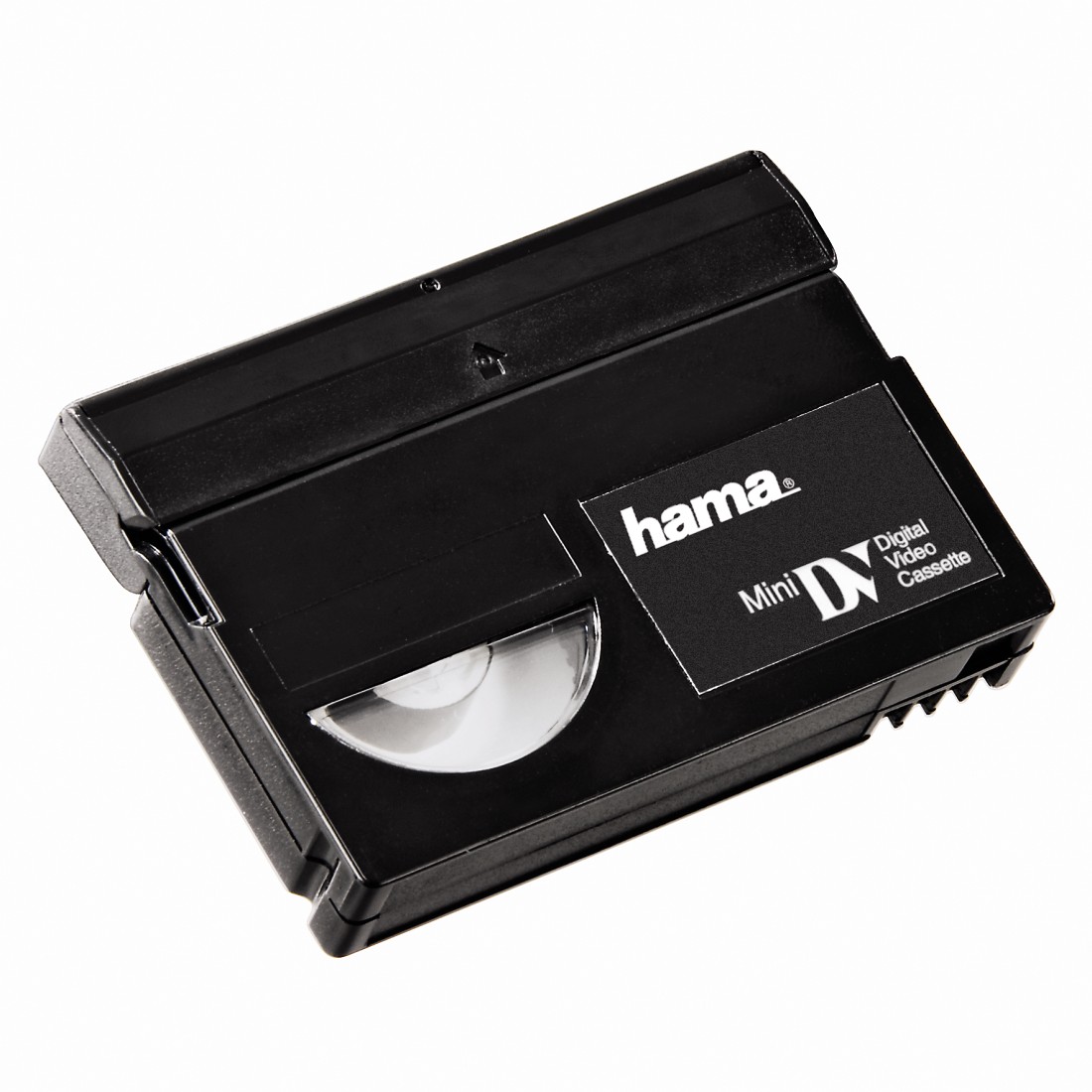
Hama Mini DV Cleaning Tape
Downloads

FAQs
Insert the mini digital video cleaning cassette in VCR/playback mode in your camcorder in the same way like a conventional mini DV cassette. Press the Play button afterwards. The error message "Tape protected" only apears when the recording function (Record) is active. Another possibility is to paste a strip of adhesive film over the opening of the cassette and to use the cleaning cassette as usual.
The mini DV cleaning cassette is constructed like a conventional mini digital video cassette. The white lever is used for opening the cassette flap. This unlocks the locking mechanism and allows you to move the flap backwards which gives you free access to the tape.
No matches found
Try searching for another term, check the spelling, or adjust your filters.
Technical details
Technical Specs
| Electrospecific Properties | Medium | Mini-DV |
| Field of Application | Suitable for | Mini DV Player |